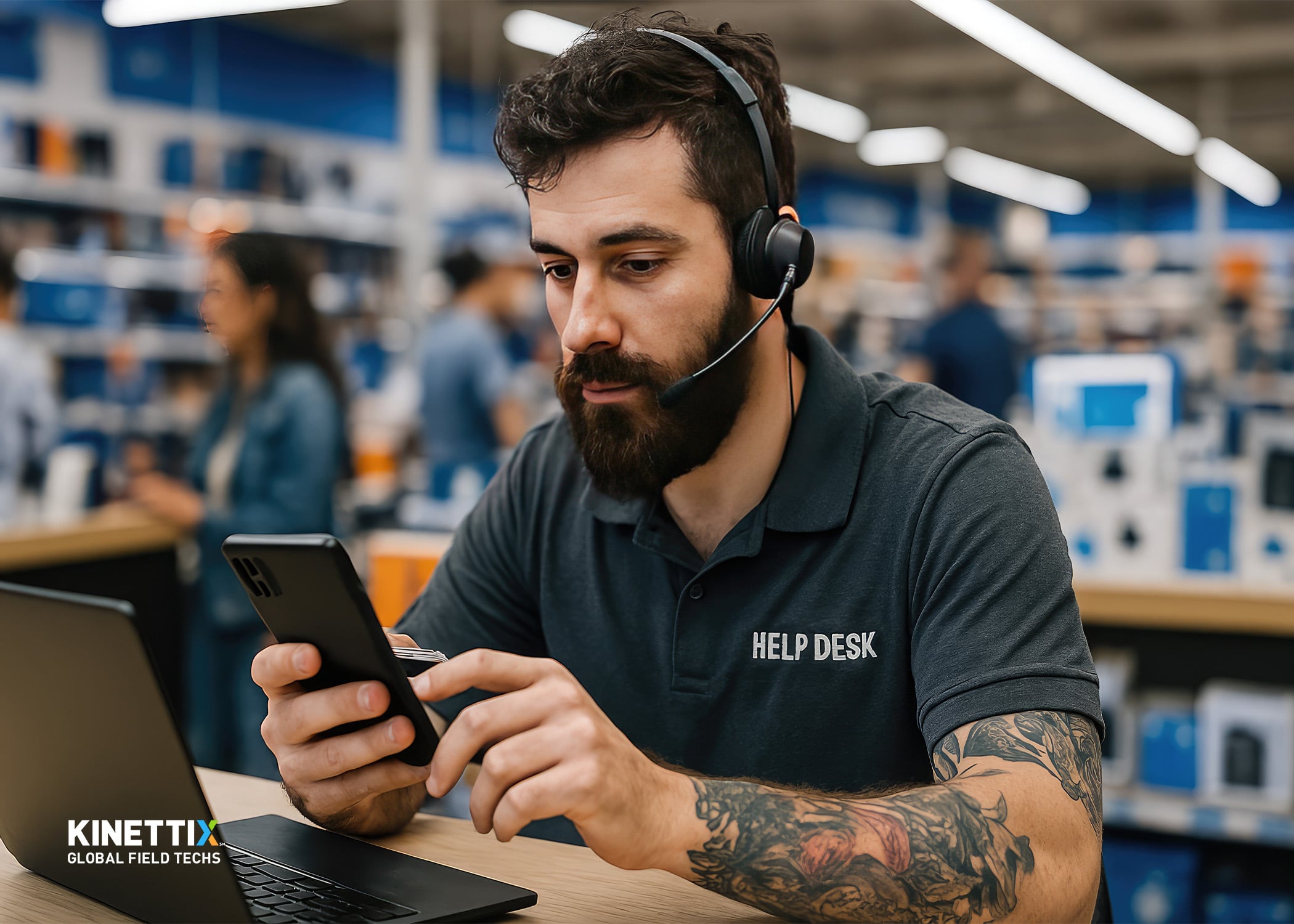

Rolling out new technology across dozens or hundreds of retail locations requires more than purchasing equipment and hoping for the best. From POS system upgrades to digital signage installations, every store presents unique variables that can derail timelines and inflate budgets. Retail technology deployment services have become a strategic priority for enterprises that need to move fast without sacrificing quality or consistency.
This guide walks you through every phase of a multi-store tech rollout, from evaluating deployment partners to coordinating field technicians across time zones. You will learn how to build repeatable processes that keep installations on track and stakeholders informed.
Whether you are planning a regional POS upgrade or a nationwide network refresh, the frameworks here will help you approach the project with confidence and clarity.
Key Takeaways: Managing Retail Tech Rollouts Across Multiple Stores
- Successful multi-store rollouts depend on choosing a deployment partner with global reach and real-time project visibility.
- Site surveys and standardized installation kits reduce errors and ensure every location receives consistent service quality.
- Kinettix coordinates thousands of multi-site deployments monthly using vetted technicians across 120+ countries.
- Centralized project management eliminates communication gaps that cause delays and missed deadlines during rollouts.
- Clear escalation protocols and post-deployment validation help you catch issues before they affect store operations.
What Is a Multi-Store Retail Technology Rollout?
A multi-store rollout is a coordinated project to install, upgrade, or replace technology systems across multiple physical locations. These projects span various equipment types including POS terminals, network infrastructure, digital signage, security cameras, and self-service kiosks.
Rollouts differ from one-off installations because they require standardized processes that can be repeated at scale. A single store upgrade might take a day; upgrading 500 stores demands a framework that accounts for regional differences, varied store hours, and diverse technical requirements.
The stakes are high. A botched rollout can leave stores with malfunctioning checkout systems, frustrated employees, and unhappy customers. The financial impact compounds when downtime stretches across multiple locations simultaneously.
Why Do Multi-Store Tech Rollouts Fail?
Understanding common failure points helps you plan around them. Most rollout problems stem from coordination breakdowns rather than equipment defects.
Lack of Centralized Coordination
When multiple teams operate without a single point of accountability, information gets lost. One region might be ready for installation while another still awaits equipment shipments. Without unified oversight, these misalignments cascade into delays.
Inconsistent Technician Quality
Sourcing local technicians for each market creates variability. Some installers arrive prepared and complete work efficiently. Others lack the specific skills your equipment requires, leading to callbacks and rework.
Poor Communication with Stakeholders
Store managers, regional directors, and corporate IT teams all need visibility into rollout progress. When updates arrive sporadically or not at all, stakeholders lose confidence in the project and micromanage in ways that slow everything down.
Inadequate Site Preparation
Arriving at a location only to discover that electrical outlets are in the wrong place or network drops were never installed forces costly return visits. Wireless site surveys and pre-installation checklists prevent these surprises.
How to Evaluate a Retail Technology Deployment Partner
Choosing the right deployment partner determines whether your rollout meets its timeline or spirals into chaos. Here are the criteria that matter most.
Geographic Coverage and Technician Network
Your partner should have technicians available wherever your stores operate. A vendor with coverage in major metros but gaps in secondary markets will force you to piece together multiple contractors, adding coordination overhead.
Kinettix maintains a network of over 25,000 vetted technicians across 120+ countries. This global footprint means you can execute rollouts in any region without scrambling to source local talent.
Vetting and Quality Assurance Processes
Ask potential partners how they qualify their technicians. Background checks, skills certifications, and equipment-specific training all contribute to consistent installation quality. A strong vetting process reduces callbacks and ensures technicians arrive prepared.
Real-Time Visibility Tools
Modern rollout management requires visibility into every ticket and every location. Your partner should offer a platform that shows technician ETAs, on-site status, photos of completed work, and closure data synced back to your service desk.
Integration Capabilities
The best deployment partners integrate with your existing systems rather than forcing you to adopt entirely new workflows. API-driven platforms allow tickets to flow from your service management tools directly to field technicians without manual re-entry.
Scalability for Surge Demand
Retail rollouts often compress into tight windows driven by seasonal deadlines or product launch dates. Your partner needs the capacity to ramp up technician coverage quickly when your project accelerates.
Step-by-Step Framework for Planning a Multi-Store Rollout
A structured approach keeps your rollout on track from kickoff through post-deployment validation.
Step 1: Define Scope and Success Criteria
Document exactly what needs to happen at each location. Specify equipment models, configuration requirements, and acceptance criteria that define a successful installation. Ambiguity here creates inconsistency later.
Establish metrics for measuring rollout success: completion rate, average install time, first-time fix rate, and store manager satisfaction scores.
Step 2: Conduct Site Surveys
Before sending technicians to install equipment, survey each location to understand site-specific conditions. Note power availability, network connectivity, structural constraints, and any store-specific requirements.
Kinettix offers site survey services that document conditions across hundreds of locations efficiently, giving you the data needed to anticipate challenges.
Step 3: Build Standardized Installation Kits
Create kits that contain everything a technician needs for each installation type. This includes hardware, cables, mounting hardware, documentation, and return shipping labels for old equipment. Kit packing reduces the chance of incomplete installations.
Step 4: Establish a Communication Protocol
Define how updates will flow between field technicians, project coordinators, and your internal team. Specify escalation paths for issues that require decisions beyond the technician's authority.
Real-time updates through a unified platform keep everyone informed without overwhelming inboxes with status emails.
Step 5: Execute Pilot Installations
Run pilot installations at a small number of representative locations before scaling. Pilots reveal process gaps, documentation issues, and equipment problems that you can address before they affect hundreds of stores.
Step 6: Roll Out at Scale
With pilots complete and processes refined, expand to the full store set. Group locations by region or market to allow technicians to move efficiently between nearby sites.
Step 7: Validate and Close
After each installation, collect deliverables that confirm work was completed correctly: photos, configuration screenshots, store manager sign-offs. Post-deployment validation catches issues while technicians are still nearby.
Managing POS Upgrades Across Multiple Locations
POS system upgrades represent one of the most common and most sensitive types of retail rollouts. A checkout system failure directly impacts revenue, making flawless execution non-negotiable.
Minimizing Downtime During POS Replacements
Schedule installations during low-traffic hours or overnight when possible. If 24-hour stores cannot close registers, plan phased replacements that keep some lanes operational while others are upgraded.
Data Migration and Testing
New POS terminals need proper configuration before going live. Ensure your rollout plan includes time for data migration, payment processor certification, and end-to-end transaction testing.
Training Store Associates
Even the most intuitive POS system requires some orientation. Build brief training into your installation schedule so associates can begin using new equipment confidently from day one.
Handling Peripheral Equipment
POS upgrades often involve more than the terminal itself. Receipt printers, barcode scanners, cash drawers, customer displays, and PIN pads all need to be configured and tested as part of the installation.
Executing Nationwide Technology Refreshes
Technology refreshes replace aging equipment across your entire store portfolio. These projects differ from targeted upgrades because every location receives attention within a compressed timeframe.
Creating a Phased Rollout Schedule
Attempting to refresh every location simultaneously invites disaster. Divide your store base into waves organized by region, store format, or business priority. This approach spreads risk and allows you to apply learnings from early waves to later ones.
Coordinating Equipment Logistics
New equipment must arrive at the right store at the right time. Old equipment needs to be collected, inventoried, and either disposed of or returned. Managing this logistics chain across hundreds of locations requires careful planning and tracking.
Maintaining Business Continuity
Store operations cannot pause for technology projects. Global IT project teams understand how to work around store hours, customer traffic patterns, and seasonal peaks to minimize disruption.
How Kinettix Supports Multi-Store Retail Rollouts
Kinettix delivers retail technology deployment services designed for multi-site enterprises that need consistency and visibility at scale.
Global Technician Network
With over 25,000 vetted field technicians across 120+ countries, Kinettix sources qualified installers wherever your stores operate. This network eliminates the scramble to find local contractors in unfamiliar markets.
Dispatch1® Platform for Real-Time Visibility
The proprietary Dispatch1® platform matches technicians to tickets based on skills, location, and site requirements. Status updates, ETAs, photos, and closure data sync back to your service desk automatically, giving you complete visibility without manual follow-up.
End-to-End Project Management
Kinettix handles scheduling, dispatching, reporting, and technician payment. Centralized program management and unified reporting reduce the oversight burden on your internal team while maintaining accountability.
Rapid Mobilization
Four-hour dispatch capabilities mean urgent issues get addressed quickly. When rollout timelines compress or unexpected problems arise, rapid onsite response keeps projects from stalling.
Building a Rollout Checklist for Retail IT Leaders
Use this checklist to ensure your rollout covers all critical elements.
Pre-Rollout Phase
- Define project scope, timeline, and success metrics.
- Complete site surveys for all locations.
- Select and vet deployment partner.
- Prepare standardized installation kits.
- Establish communication and escalation protocols.
- Conduct pilot installations at representative sites.
Execution Phase
- Coordinate equipment shipments with installation schedule.
- Dispatch technicians according to regional groupings.
- Monitor real-time progress through unified platform.
- Address escalations promptly through defined channels.
- Collect installation deliverables and store sign-offs.
Post-Rollout Phase
- Validate all installations against acceptance criteria.
- Document lessons learned for future projects.
- Transition completed sites to ongoing support.
- Decommission and dispose of retired equipment properly.
What to Look for in a Deployment Partner Checklist
When evaluating potential deployment partners, score candidates against these criteria.
- Geographic reach: Can they service all your current and planned store locations?
- Technician quality: What vetting, training, and certification processes do they use?
- Visibility tools: Do they offer real-time tracking and automated reporting?
- Integration options: Can their platform connect to your service management systems via API?
- Scalability: Can they ramp technician capacity quickly for time-sensitive projects?
- Track record: Do they have documented experience with projects similar to yours?
Common Retail Technologies Included in Multi-Store Rollouts
Understanding the full scope of equipment that may be involved helps you plan installation requirements.
Point-of-Sale Systems
POS terminals, payment devices, receipt printers, and associated peripherals form the core of checkout operations. Upgrades often coincide with payment industry compliance requirements.
Digital Signage
Digital signage installations include displays, media players, mounting hardware, and network connectivity. These systems require precise placement and calibration.
Network Infrastructure
Routers, switches, access points, and structured cabling provide the connectivity backbone for all store technology. Network refreshes often accompany other equipment upgrades.
Security Systems
Camera technology and access control systems protect assets and ensure employee and customer safety. These installations require careful positioning and integration with monitoring platforms.
Self-Service Kiosks
Kiosk installations place ordering, information, or checkout capabilities directly in customers' hands. These units need robust mounting and reliable network connections.
Best Practices for Maintaining Rollout Momentum
Large rollouts can lose steam as initial enthusiasm fades. These practices help you maintain progress through the full project duration.
Set Weekly Progress Milestones
Break your total location count into weekly targets. Tracking progress against milestones keeps the team focused and surfaces delays before they become critical.
Celebrate Regional Completions
When a region or wave completes successfully, acknowledge the achievement. Recognition builds morale and reinforces that progress is being made.
Address Issues Immediately
Small problems left unresolved become large problems that affect many stores. Empower field coordinators to make decisions quickly and escalate only when necessary.
Maintain Documentation Discipline
Photos, sign-offs, and issue logs create an audit trail that protects you if questions arise later. Consistent documentation also feeds valuable data into post-project analysis.
In Conclusion: Building Reliable Multi-Store Rollout Capability
Managing retail technology rollouts across multiple stores demands careful planning, the right partners, and disciplined execution. The frameworks in this guide give you a foundation for approaching these projects with clarity.
Start by defining scope and success criteria clearly. Invest time in site surveys and pilot installations that reveal issues before they affect your full store base. Choose a deployment partner whose geographic reach, quality processes, and visibility tools match your operational needs.
Kinettix brings global technician coverage, real-time visibility through the Dispatch1® platform, and end-to-end project management that reduces your coordination burden. When your next multi-store rollout arrives, you will have the infrastructure and processes to execute with confidence.
FAQs About Managing Retail Tech Rollouts Across Multiple Stores
How long does a typical multi-store technology rollout take?
Timeline depends on store count, installation complexity, and technician availability. A 500-store POS upgrade might take three to six months with proper planning.
Phased approaches that group stores by region often complete faster than attempting simultaneous nationwide installations.
What causes most multi-store rollout delays?
Coordination breakdowns, inconsistent technician quality, and inadequate site preparation cause the majority of delays. Centralized project management and thorough site surveys address these root causes.
Kinettix reduces delays through real-time visibility and a vetted technician network that delivers consistent quality across all locations.
How do I maintain store operations during a technology rollout?
Schedule installations during low-traffic hours or overnight shifts. Phase equipment replacements so some systems remain operational while others are upgraded.
Communicate clearly with store managers about what to expect and when, so they can prepare their teams accordingly.
What should I include in a deployment partner contract?
Specify response time requirements, quality standards, deliverables expectations, and escalation procedures. Include provisions for surge capacity if your timeline accelerates.
Kinettix creates clear pricing expectations and thorough statements of work that define responsibilities upfront.
How does Kinettix ensure consistent installation quality across locations?
Kinettix maintains a network of over 25,000 vetted technicians who receive equipment-specific training. The Dispatch1® platform matches technicians to tickets based on skills and site requirements.
Real-time photo documentation and store manager sign-offs verify that each installation meets acceptance criteria.
Can I integrate rollout management with my existing IT service desk?
Yes. Kinettix offers API-driven integration that allows tickets to flow from your service management tools directly to field technicians. Status updates sync back automatically without manual re-entry.
This integration reduces duplicate data entry and gives your team visibility without switching between platforms.