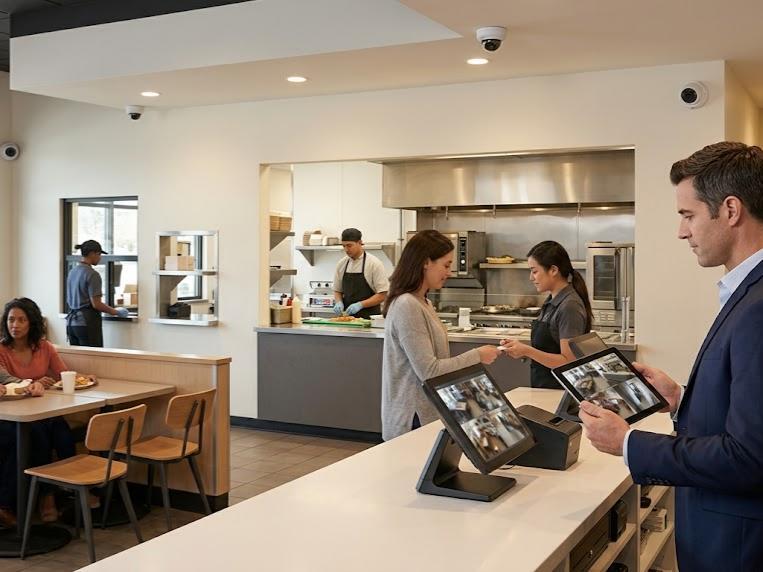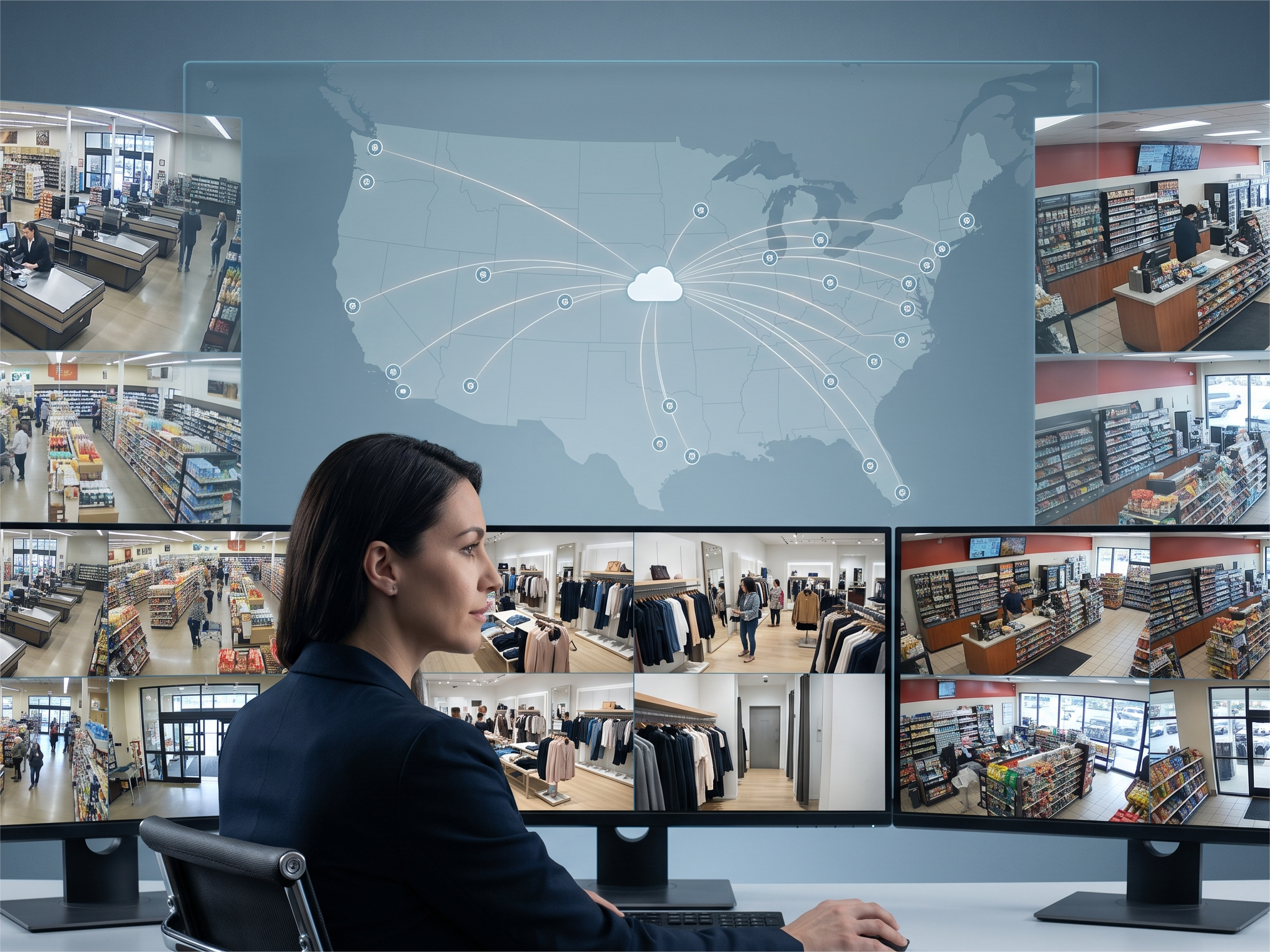
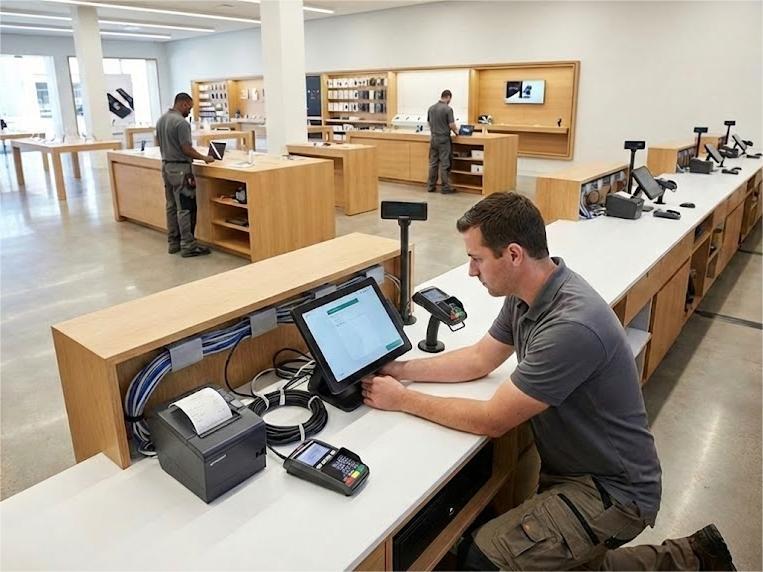
Every retail business and quick service restaurant faces the same critical moment: the day new point of sale systems go live across multiple locations.
A single misconfigured card reader can halt transactions for hours. One failed network connection prevents payment processing entirely. Untrained staff struggle with unfamiliar POS software while frustrated customers abandon their carts. Multiply these risks across dozens or hundreds of sites, and the potential for operational disaster becomes overwhelming.
Experienced deployment partners bring the structure, coordination, and specialized expertise that multi-site technology rollouts demand. They can:
- Manage the complex logistics of POS hardware delivery
- Coordinate certified technicians across every geography
- Ensure consistent execution regardless of location or business type
When deployments span national footprints, these services transform potential chaos into controlled, predictable operations. From positioning receipt printers and configuring barcode scanners to integrating payment processing systems and establishing PCI compliance protocols, expert installation teams handle every technical detail that determines success or failure.
The right partner doesn't just connect a cash drawer and hope for the best. They orchestrate every element from pre-installation site surveys through post-deployment staff training, ensuring your point of sale technology achieves its intended business outcomes without the regrets that plague poorly executed rollouts.
When Is It Time to Upgrade Your POS System? 8 Ways to Know
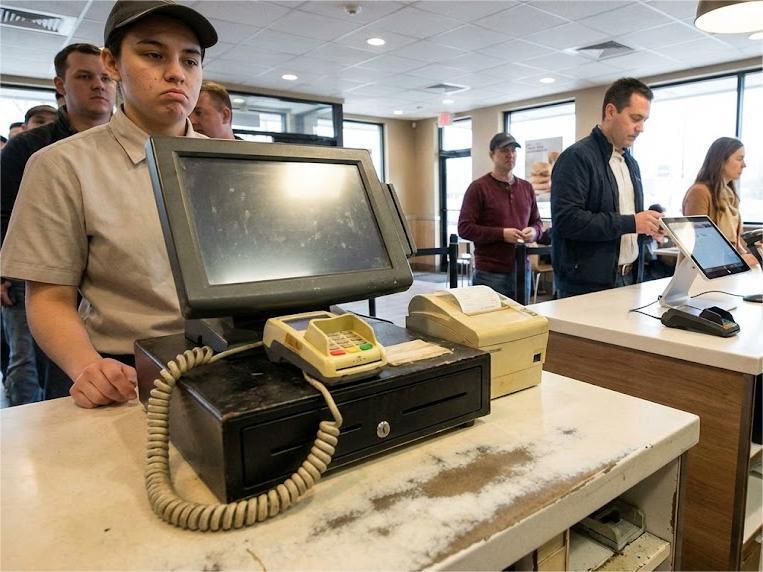
Point of sale technology evolves rapidly, but legacy systems rarely announce their obsolescence with clear warnings. Instead, they degrade gradually through mounting inefficiencies, security vulnerabilities, and operational bottlenecks that directly impact revenue and customer satisfaction.
Recognizing when your current POS device has become a liability rather than an asset determines whether you proactively upgrade or reactively scramble after a critical failure. These eight indicators signal the moment to begin planning professional installation of a new system:
- Your Current System Can't Process Modern Payment Methods
Today's customers expect to accept payments through digital wallets, contactless cards, and mobile payment apps. When your card readers only support traditional magnetic stripe transactions, you're not just inconveniencing customers, you're actively losing sales to competitors who offer flexible payment processing options. Modern POS systems integrate seamlessly with multiple payment types while maintaining PCI compliance standards.
- You're Experiencing Frequent System Crashes or Slowdowns
Every minute your point of sale system remains offline translates directly to lost transactions. When crashes become routine during peak hours, your POS hardware has reached the end of its reliable service life. Professional installation of updated systems eliminates these disruptions while providing the processing speed modern retail business demands.
- Your POS Software No Longer Receives Security Updates
Outdated POS software creates vulnerabilities that expose sensitive customer data and payment information. When your POS provider stops releasing security patches, your entire business operations become a target for data breaches. Modern cloud-based POS systems receive automatic security updates that maintain protection without disrupting daily operations.
- You Can't Access Real-Time Inventory Data Across Locations
Multi-location retail stores require instant visibility into stock levels and product movement. Legacy systems that rely on end-of-day batch updates prevent accurate decision-making. Contemporary POS solutions with integrated inventory management tools provide real-time data synchronization that enables informed purchasing decisions and reduces carrying costs.
- Customer Checkout Times Are Hurting Your Bottom Line
Long checkout lines directly reduce sales by encouraging cart abandonment. When your current system requires multiple steps to complete simple sales or lacks barcode scanner integration, you're sacrificing revenue to outdated technology. Professional POS system installation featuring intuitive interfaces accelerates transactions while improving the overall customer experience.
- Your System Lacks Integration with Essential Business Tools
Modern retail business depends on seamless data flow between point of sale systems, accounting software, and e-commerce channels. Legacy POS devices that operate as isolated systems force manual data entry and create opportunities for human error. Contemporary POS software connects with the entire business ecosystem through native integrations that automate workflows.
- You're Spending More on Repairs Than System Replacement
Receipt printers that jam constantly and cash drawers with failing mechanisms signal that repair costs have exceeded the value of maintaining outdated equipment. When monthly maintenance expenses approach the cost of new POS hardware, continuing to invest in aging systems becomes financially indefensible. Upgrading to reliable modern equipment eliminates these recurring costs.
- Your POS Provider Has Announced End-of-Life Support
When manufacturers formally discontinue support for your point of sale system, continued operation becomes increasingly risky. End-of-life announcements mean no technical support, no replacement parts, and no pathway to resolve critical issues. This situation demands immediate action to plan and execute deployment of a new system before catastrophic failure forces emergency installation.
Master The POS Installation Process: 10 Steps From Receipt Printer to Payment Processing
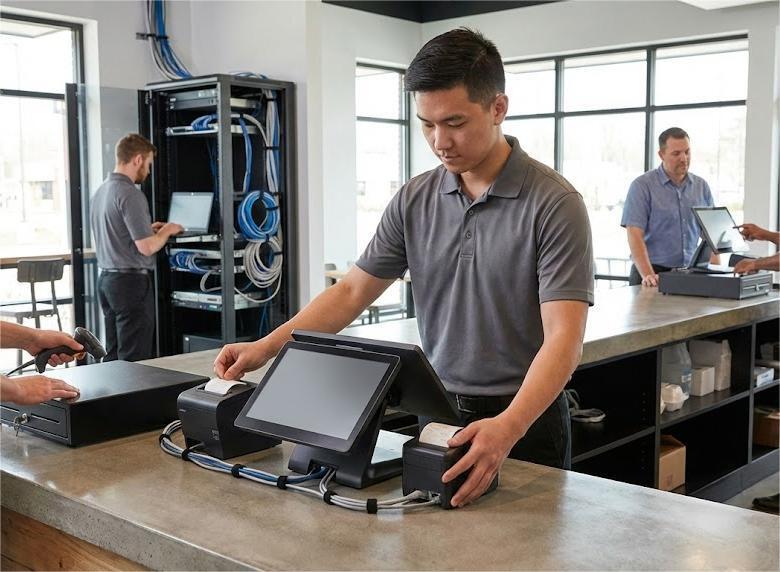
Successful point of sale system deployment follows a disciplined methodology that accounts for every technical variable from initial site assessment through final staff training. Each phase builds on the previous one, creating momentum toward completion while maintaining quality standards that protect business operations.
Professional installation services execute these ten sequential steps to ensure your new POS system delivers reliable performance from day one:
- Conduct Site Survey & Network Assessment
Installation begins with comprehensive evaluation of physical space, existing infrastructure, and connectivity requirements. Technicians measure counter space for POS terminals, verify electrical outlet placement, assess internet access quality, and document any structural constraints that impact equipment positioning.
- Position & Connect POS Hardware Components
Strategic placement of POS devices, receipt printers, barcode scanners, and cash drawers determines operational efficiency and customer flow. Professional cable management protects wiring while maintaining clean aesthetics that reflect brand standards across all retail store locations.
-
Install & Configure POS Software
Technicians load the POS app onto terminals and configure business-specific settings including tax rates, business hours, and receipt formats. Cloud-based systems sync configurations across multiple devices to ensure consistency throughout your entire business.
- Set Up Secure Network Connections
Separate networks isolate POS operations from guest WiFi to prevent interference and strengthen security. Technicians configure firewalls, establish VPN access for remote support, and implement encryption protocols that protect sensitive customer data during transmission.
- Integrate Payment Processing & Card Readers
Card readers connect to payment processors through secure gateways that enable businesses to accept payments via credit cards, debit cards, and digital wallets. Technicians verify EMV chip reader functionality and test contactless payment capabilities to ensure all modern payment methods operate correctly.
- Load Product Data & Inventory Management Tools
Product catalogs upload with SKUs, pricing, and initial stock levels to establish accurate inventory tracking from the first transaction. Barcode scanner integration enables rapid product lookup while inventory management tools provide real-time visibility into stock movement across all sales channels.
- Configure Sales Channels & Reporting
Modern POS systems consolidate data from in-store transactions, online orders, and mobile sales into unified dashboards. Technicians configure sales reports that track performance metrics, identify trends, and provide the business intelligence necessary for informed decision-making.
- Establish PCI Compliance & Security Protocols
Payment Card Industry standards require specific security measures that protect customer data and prevent unauthorized access. Professional installers implement encryption, establish user permissions, configure automatic logout timers, and verify all compliance requirements are satisfied before processing live transactions.
- Test Hardware & Software Functionality
Comprehensive testing validates that every component operates correctly under real-world conditions including split payments, returns, discounts, and high-volume transaction scenarios. Technicians process test transactions, verify receipt printer output, confirm cash drawer operation, and ensure all integrated systems communicate properly.
- Train Staff on System Operations
Employees learn essential functions including processing sales, handling returns, managing inventory adjustments, and accessing sales reports through hands-on training sessions. Role-based training ensures cashiers, managers, and administrators understand the specific features relevant to their daily responsibilities and can operate the new system confidently during business hours.
8 Must-Complete Tasks Before Your New POS System Goes Live
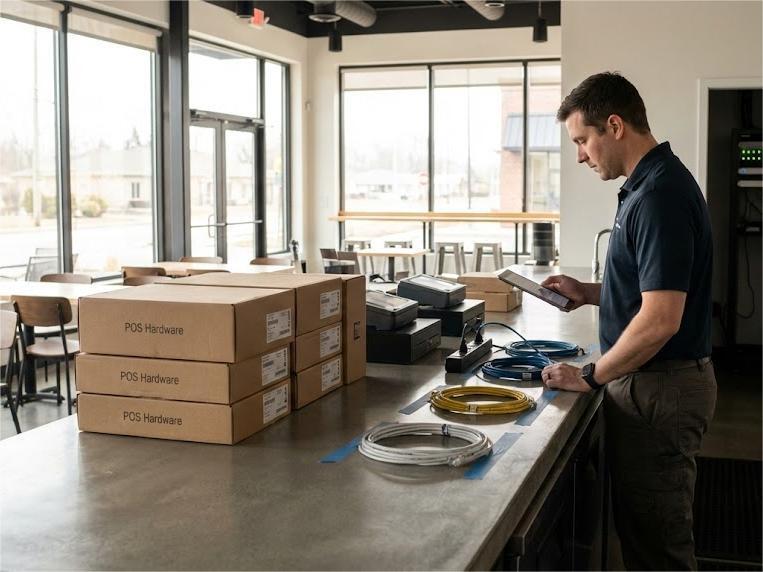
Successful point of sale deployment begins long before technicians arrive onsite with equipment. Thorough preparation eliminates the surprises and delays that send straightforward installations spiraling into chaotic scrambles, ensuring your new system delivers value immediately, minimizing customer frustration and revenue disruption. Off-peak scheduling protects business hours while allowing ample time for thorough testing and staff training before the new POS system processes live transactions.
Complete these eight essential tasks before installation day to protect timelines, control costs, and maintain business continuity:
-
Assess Business Operations & System Requirements
Identify specific needs including transaction volume capacity, number of user accounts required, payment processing methods customers expect, and sales channels your retail business operates across. This assessment determines which POS software features are non-negotiable versus nice-to-have, preventing costly mid-deployment scope changes when systems lack critical functionality.
- Evaluate Existing Infrastructure & Network Connections
Verify internet access bandwidth supports multiple POS devices processing simultaneous transactions without performance degradation, and confirm electrical outlets exist in positions where terminals will operate. Network assessments identify infrastructure upgrades required before installation, allowing time to resolve connectivity issues that would otherwise halt deployment.
- Build Your Product Catalog with Pricing & Inventory Data
Compile complete product information including SKUs, descriptions, prices, tax categories, and initial stock levels into spreadsheets that import cleanly into inventory management tools. Accurate product data enables immediate operation of barcode scanners and ensures sales reports reflect true business performance from day one.
- Verify Third-Party Integrations with Your POS Provider
Confirm your new POS system connects with existing accounting software, e-commerce platforms, loyalty programs, and other business tools through native integrations or APIs. Integration verification prevents discovering compatibility issues after installation when resolving them requires expensive custom development or replacing systems entirely.
- Establish User Accounts & Permission Levels
Define role-based access controls that determine which employees can process returns, adjust inventory, access sales reports, or modify system settings before technicians arrive. Pre-configured user accounts with appropriate permissions enable staff to begin operating the new system immediately after training without delays for account creation.
- Coordinate POS Hardware Delivery & Component Verification
Schedule equipment shipments to arrive 48-72 hours before installation, allowing time to unpack and verify all components including POS terminals, receipt printers, cash drawers, card readers, and barcode scanners match order specifications. Early delivery prevents installation delays when missing or incorrect hardware requires emergency shipping that disrupts carefully coordinated schedules.
- Plan Physical Layout for Terminals & Peripherals
Map counter space allocation for each POS device, receipt printer placement within easy staff reach, card reader positioning accessible to customers, and cash drawer location that maintains security while enabling efficient transaction processing. Thoughtful layout planning optimizes checkout flow and prevents mid-installation repositioning that wastes time and creates unprofessional cable management.
- Schedule Installation During Off-Peak Business Hours
Coordinate deployment timing to minimize customer impact and revenue disruption, typically after closing or before opening when technicians can work without interference from business operations. Off-peak scheduling protects business hours while allowing ample time for thorough testing and staff training before the new POS system processes live transactions.
The 6 Game-Changing Benefits of Professional POS Installation Services
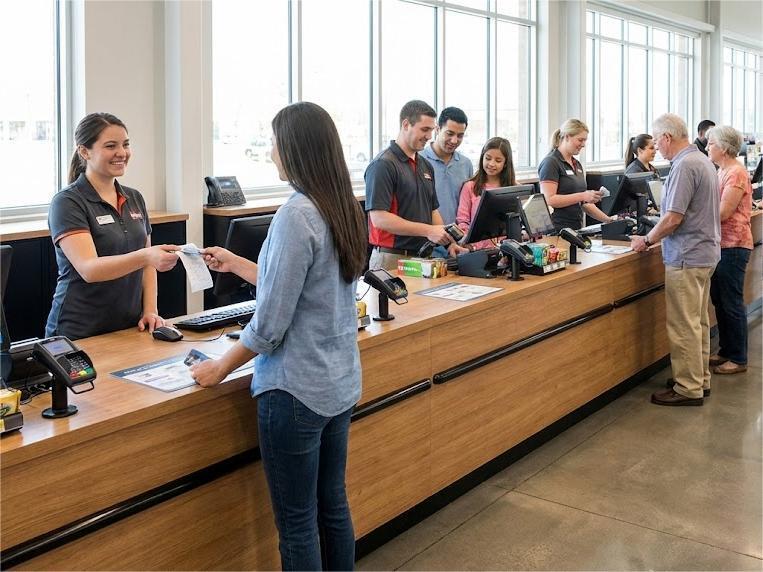
Behind every successful multi-location point of sale deployment stands a professional partner managing countless technical details that never make headlines but determine whether projects succeed or fail. These advantages separate businesses that execute flawless rollouts from those that struggle with costly delays, inconsistent performance, and operational disruptions.
Expert installation services deliver six critical benefits that directly impact your bottom line and competitive position.
- Preventing Revenue Loss from Extended Downtime
Every hour of system unavailability translates directly to lost transactions, reduced productivity, and frustrated customers who may never return. Professional deployment services minimize downtime through meticulous planning, off-hours scheduling, and rapid execution that keeps revenue-generating operations online.
- Ensuring Brand Consistency Across All Locations
National retail businesses depend on uniform customer experiences regardless of location, requiring identical POS hardware setup, interface configurations, and transaction workflows at every site. Deployment services maintain consistency by standardizing installation procedures, enforcing quality checkpoints, and documenting every configuration to ensure location one hundred operates identically to location one.
-
Managing Multi-Site Logistics Behind the Scenes
Coordinating equipment delivery to dozens or hundreds of retail store locations requires sophisticated logistics management that tracks shipments, coordinates receiving schedules, and ensures all components arrive before technicians. This behind-the-scenes coordination prevents the costly delays that occur when installations can't proceed because receipt printers, card readers, or barcode scanners sit in incorrect warehouses.
- Providing Scalable Resources That Match Deployment Velocity
Internal IT teams have fixed capacity, but deployment demands fluctuate dramatically based on rollout schedules, geographic distribution, and project phases. Professional services scale technician resources up or down based on your timeline, eliminating the impossible choice between maintaining excess internal staff or missing aggressive deployment deadlines.
- Navigating PCI Compliance & Site-Specific Requirements
Every location presents unique challenges including building codes, security protocols, network connections specifications, and operating hour restrictions that impact installation timing. Deployment specialists navigate these complexities through experience across thousands of sites, ensuring PCI compliance and regulatory adherence without delays that derail schedules.
- Eliminating Human Error Through Standardized Protocols
Inconsistent installation procedures create configuration errors that cause payment processing failures, inventory management discrepancies, and security vulnerabilities discovered only after systems go live. Professional installation services follow documented protocols with structured testing and validation checkpoints that catch mistakes before they impact business operations or compromise customer data.
Scale Your POS Deployment with Confidence: Partner with Field Services Experts
Point of sale deployments across multiple locations introduce exponential complexity that overwhelms most internal IT teams. Coordinating hundreds of technicians, managing POS hardware logistics across diverse geographies, synchronizing payment processing integrations, and maintaining quality consistency requires infrastructure and expertise that takes years to develop. When a single misconfigured card reader can halt transactions at a critical retail store location, the stakes are too high for trial-and-error approaches.
Kinettix eliminates this complexity through proven installation services backed by global reach, centralized coordination, and thousands of successful multi-site implementations. From initial site surveys and network connections assessment through final staff training and PCI compliance verification, we orchestrate every detail that transforms your point of sale system from equipment in boxes to revenue-generating operations.
Contact Kinettix today to discuss your deployment needs and discover how professional services transform complex rollouts into predictable, successful operations.
Compare 4 Standard POS App Deployment Models (& Which Maximizes Your Benefits)
Organizations evaluating installation approaches must weigh the trade-offs between self-service methods, remote assistance, local contractors, and specialized field services partners. Each option presents distinct advantages and limitations depending on deployment scale, technical complexity, and strategic priorities that determine long-term success.
|
Installation Approach |
DIY Self-Installation |
Remote Setup Assistance |
Local Installation Partner |
Kinettix Field Services |
|
Multi-Location Coverage |
Single location only | Limited by time zones | Varies by contractor | 90+ countries, guaranteed |
| Scalability | Manual per location | Sequential setup | Regional availability | On-demand nationwide scaling |
| Timeline | 2–4 hours per site (if no issues) | 1–2 days per location | 1–3 weeks (scheduling dependent) | Coordinated simultaneous rollouts |
| Technical Expertise | Basic (relies on video tutorials) | Moderate (remote guidance) | Varies by subcontractor | Certified, vetted technicians |
| POS Hardware Installation | Self-managed | Self-managed with guidance | Professional onsite | Professional onsite + coordination |
| Network Connections Setup | DIY troubleshooting | Remote diagnostics | Onsite professional | Onsite + backup internet planning |
| Payment Processing Integration | Self-configured | Remote assistance | Professional configuration | Professional + compliance verification |
| Inventory Management Tools Setup | Manual data entry | Guided manual entry | Assisted setup | Full data migration & validation |
| Post-Installation Support | Help desk only | Limited follow-up | Contractor-dependent | 24/7/365 ongoing support |
| Quality Consistency | User skill-dependent | Varies by support rep | Inconsistent across contractors | Standardized protocols |
| PCI Compliance Verification | Self-certification | Checklist provided | May include verification | Mandatory compliance validation |
| Cost Structure | $0–$500 (your time + risk) | $500–$2,000 per location | $1,500–$5,000 per location | Custom (project-based or managed) |
| Best For | Single small business with tech skills | 2–5 locations with internal IT | Regional retail business (10–25 stores) | Enterprise retail/QSR (25+ locations) |
7 Expert Answers to Critical New POS System Deployment Challenges

Organizations planning significant point of sale rollouts frequently encounter similar concerns about execution, quality control, and partnership dynamics. These answers from deployment experts address the questions that determine whether installations proceed smoothly or encounter costly obstacles.
- What certifications or qualifications should we look for in field technicians installing our POS devices?
Professional technicians should hold certifications relevant to the specific POS hardware and payment processing systems being deployed, including CompTIA A+, Network+, or manufacturer-specific credentials from providers like NCR, Verifone, or Ingenico.
Equally important are background checks, insurance coverage, and documented experience with retail technology installations that demonstrate reliability and technical competency.
-
Can we install new POS systems while keeping our existing systems operational during the transition?
Phased installation approaches allow businesses to run parallel systems during transition periods, processing transactions on legacy equipment while technicians configure and test new POS devices in the same location.
This methodology eliminates revenue interruption by enabling cutover during controlled maintenance windows rather than forcing immediate replacement that risks business hours disruption.
- How do professional installation services handle data migration from our old point of sale system to the new system?
Technicians export product catalogs, pricing structures, customer data, and transaction history from existing systems into standardized formats that import cleanly into new POS software without manual re-entry.
Data validation processes confirm accuracy before cutover, ensuring inventory management tools, sales reports, and customer information transfer completely without loss or corruption.
- What's the difference between cloud-based POS installation and traditional on-premise system setup?
Cloud-based systems require minimal on-site infrastructure since processing occurs on remote servers, reducing installation complexity to connecting POS terminals to internet access and configuring user accounts through web interfaces.
Traditional on-premise installations demand local server setup, database configuration, and network infrastructure that supports processing without external connectivity, creating more complex technical requirements and longer deployment timelines.
- Do installation services provide ongoing support after the initial POS deployment is complete?
Professional field services partners maintain 24/7/365 support availability for troubleshooting issues, coordinating repairs, and managing system updates long after initial installation completes. This ongoing relationship ensures businesses have immediate access to technical expertise when receipt printers malfunction, card readers fail, or software updates require deployment across multiple devices.
- How do you ensure our customer data remains secure during the POS installation process?
Installation teams follow strict chain-of-custody protocols for handling sensitive information, implement encryption for all data transfers, and ensure technicians sign confidentiality agreements before accessing payment processing systems or customer databases.
PCI compliance verification includes security audits that confirm proper configuration of user permissions, network connections isolation, and access controls before systems process live transactions.
- Can installation services coordinate with multiple POS software vendors if we use different systems across locations?
Enterprise-grade field services partners manage deployments involving diverse POS providers, coordinating vendor-specific requirements, maintaining separate certification standards, and ensuring consistent quality regardless of which point of sale system operates at each retail store location.
This flexibility eliminates the need for businesses to manage multiple contractor relationships while maintaining unified project oversight and standardized execution protocols.
From Drive-Thru to Front-of-House: Kinettix Delivers for Top-Tier QSR Brands Nationwide

When enterprise restaurant brands need reliable field services partners to coordinate complex technology installations across hundreds of locations, they turn to Kinettix. Our team has supported critical IT deployments for major quick service restaurant chains that operate thousands of locations nationwide, brands like Taco Bell, Wendy's, and Blaze Pizza that demand zero tolerance for downtime during peak business hours.
These partnerships demonstrate our capability to execute installations with the precision, speed, and consistency that national restaurant operations require. Additional work with brands from Chipotle to Starbucks to Dunkin' Donuts reflects the breadth of our quick service restaurant expertise across diverse operational models and technology requirements.
Restaurant technology deployments present unique challenges that separate experienced field services providers from those who simply connect equipment and hope for results. From navigating sanitary regulations and restricted service windows to coordinating installations across drive-thru locations, front-of-house terminals, and back-of-house systems, Kinettix brings specialized expertise that protects restaurant operations while delivering flawless execution.
Our proven track record with leading QSR brands reflects the disciplined methodologies, certified technician networks, and 24/7 coordination capabilities that transform complex multi-site rollouts into predictable, successful operations regardless of geographic scope or technical complexity.
Partner with Global Experts Who Deliver Seamless Installation Every Time, Everywhere
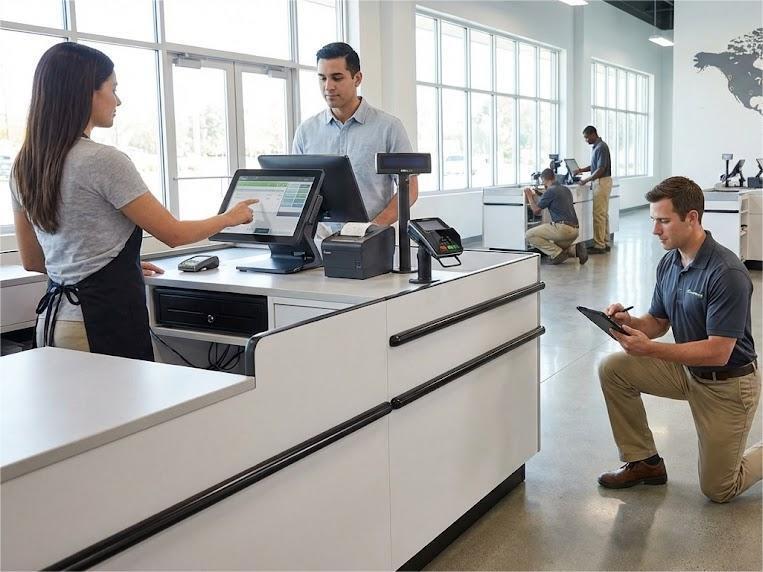
When your retail business or quick service restaurant depends on functioning POS systems to process transactions and serve customers, amateur approaches create unacceptable risk.
Kinettix combines certified installation expertise with global field services execution capabilities, delivering a unique advantage that eliminates the coordination challenges plaguing most multi-location technology deployments. Our technicians don't just configure POS software and connect card readers; they coordinate the boots-on-the-ground resources that turn deployment plans into operational reality across any location worldwide.
From initial site surveys and network connections assessment through final PCI compliance validation and staff training on inventory management tools, our team brings the proven methodologies and hands-on experience that ensure predictable success.
Contact Kinettix today to discuss your point of sale system installation requirements and discover how professional services transform ambitious technology goals into measurable business results.