U.S. private industry employers reported 2.5 million nonfatal workplace injuries and illnesses in 2024, and manufacturing remains one of the sectors running above the all-industry average, according to the Bureau of Labor Statistics' most recent Survey of Occupational Injuries and Illnesses. Many of those incidents happened somewhere a camera could have caught it sooner, whether that meant a forklift moving the wrong way down an aisle or a piece of machinery overheating before anyone noticed.
Verkada has become the surveillance platform of choice for manufacturers who need more than recorded footage, and Kinettix is the field services partner that installs it correctly across every plant, line, and loading dock in the network.
This guide walks through what a modern manufacturing surveillance security system actually requires, the AI video analytics that separate Verkada from a basic camera, and the deployment process that turns a stack of hardware into a system your team can trust.
7 Early-Warning Signs Your Manufacturing Monitoring Setup Is Quietly Failing You
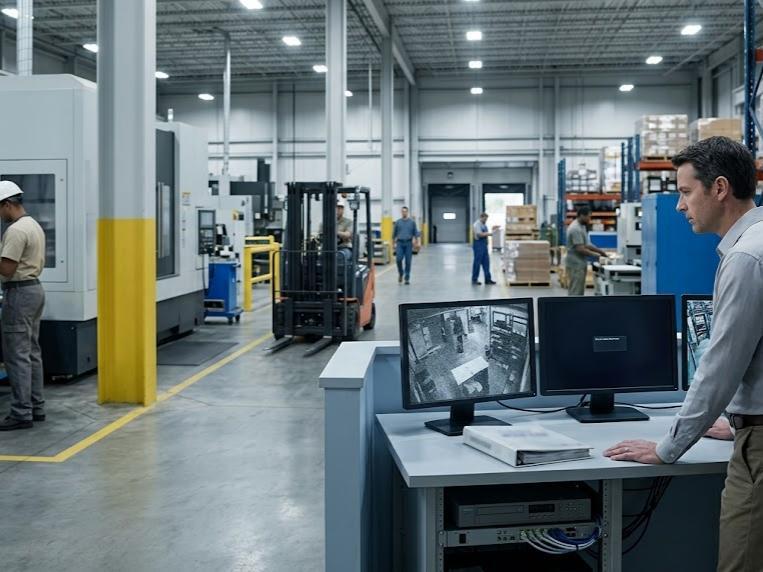
Most surveillance failures do not announce themselves until the moment they matter most, when a claim needs footage or an incident needs review. These seven signs are the ones that consistently show up in post-incident reviews after a plant discovers its monitoring system was not built for what the job actually requires:
- Footage Too Grainy to Identify What Actually Happened
Low-resolution footage looks fine on a small monitor until it is the only record of a theft, an injury, or a liability claim. If a camera cannot clearly identify a face, a license plate, or a piece of equipment, it has no practical value when an incident review depends on it.
- Blind Spots Around Machinery, Loading Docks & Storage
Older camera layouts were rarely designed around current production line, dock, and storage configurations. Coverage gaps around high-traffic or high-risk zones are exactly where intruders, accidents, and inefficiencies go undetected the longest.
- No Remote Access When an Incident Happens Off-Shift
A system that requires someone to be physically on-site to view footage leaves a plant blind the moment something happens overnight or on a weekend. Every minute between an incident and a response is a minute the situation can escalate further.
- Cameras That Go Dark During Power Blips or Network Drops
Legacy systems without local storage or backup connectivity stop recording the instant power or network service drops, often the exact moment an incident occurs. A monitoring system that cannot record through a disruption is not protecting the plant during the hours it matters most.
- Alerts That Arrive Too Late to Prevent the Incident
Motion-only alerts flood a security team with notifications for shadows, weather, and passing forklifts, burying the alerts that actually matter. By the time a real threat gets noticed in the noise, the window to intervene has often already closed.
- Storage Limits That Erase Footage Before You Need It
Many legacy DVR and NVR systems overwrite footage after a matter of days, long before an incident is reported or a claim is filed. Once that footage is gone, there is no way to recover the evidence a plant needs for an investigation.
- A System Nobody on Your Team Knows How to Maintain
Outdated platforms that require specialized, in-house knowledge to troubleshoot become a liability the moment the one person who understood the system leaves. A monitoring setup should not depend on tribal knowledge to keep functioning.
Case Study: Standardizing Verkada Coverage Across a Growing Manufacturing Footprint
A manufacturing operator running multiple production facilities had grown through a mix of acquisitions and new builds, leaving each plant with its own surveillance setup, its own vendor relationships, and its own gaps in coverage. Some sites had aging analog systems on the verge of failure. Others had no formal video security at all. Leadership needed a single partner who could walk into any facility, assess what was already there, and bring it up to a consistent Verkada standard without halting production to do it.
The work could not follow a single fixed script, because no two plants looked the same coming in. One site needed a full rip-and-replace of legacy DVR hardware. Another needed net-new cabling ran through a facility that had never had structured camera infrastructure at all. A third only needed expanded coverage around a new production line that had been added since the original install. Kinettix technicians treated each site as its own assessment rather than forcing every plant through an identical checklist that did not match its actual condition on the ground.
What Changed at Each Site
Legacy hardware was identified and either integrated or retired based on what could safely coexist with the new Verkada deployment. Cabling and mounting work was scheduled around active shift patterns so installation never forced a line to pause. Every device was registered, tested, and added to a single Verkada organization account, giving plant and corporate security leadership one login instead of a different system to check at every location.
What the Operator Gained
A unified view across every facility replaced the patchwork of disconnected systems that had built up over years of growth. New sites coming into the portfolio now plug into an established deployment model instead of starting their security build from zero. And because every plant runs on the same platform, comparing coverage, auditing compliance, and troubleshooting issues no longer requires learning a different system at every stop.
The result was not a single uniform rollout but a coordinated standardization, bringing every facility, regardless of its starting point, onto the same modern foundation.
By treating the engagement as a scalable security program instead of a series of disconnected site visits, Kinettix gave this manufacturing operator a deployment model built to extend across every current and future facility, with the same confidence in coverage and quality at site one as at site one hundred.
The 6 Infrastructure Components That Turn Standalone Manufacturing Camera Systems Into a Unified Security System
A pile of cameras is not a security system until those devices work together with a shared platform behind them. The six components below are what actually connect isolated hardware into infrastructure a plant can rely on.
|
Component |
Security Usage |
|
Distinguishes people, vehicles, and forklifts in real time, flagging unsafe behavior and equipment anomalies instead of just recording footage for someone to review later |
|
|
Ties door and gate credentials directly to camera events so a forced entry or after-hours access attempt triggers a coordinated response instead of two disconnected alerts |
|
|
Monitors chemical threats, smoke, and air quality changes across the floor, surfacing hazards that a camera lens alone cannot detect |
|
|
Gives plant and security leadership a single dashboard for every camera, door, and sensor across multiple facilities instead of separate logins per site |
|
|
Detects overheating machinery and electrical faults before they cause downtime, fires, or costly equipment failure |
|
|
Pushes meaningful alerts straight to a phone or tablet so supervisors can respond from anywhere on or off the floor, not just from a desk |
Verkada's 8 Software Specialties in Surveillance & Analytics (Built Specifically for the Plant Floor)
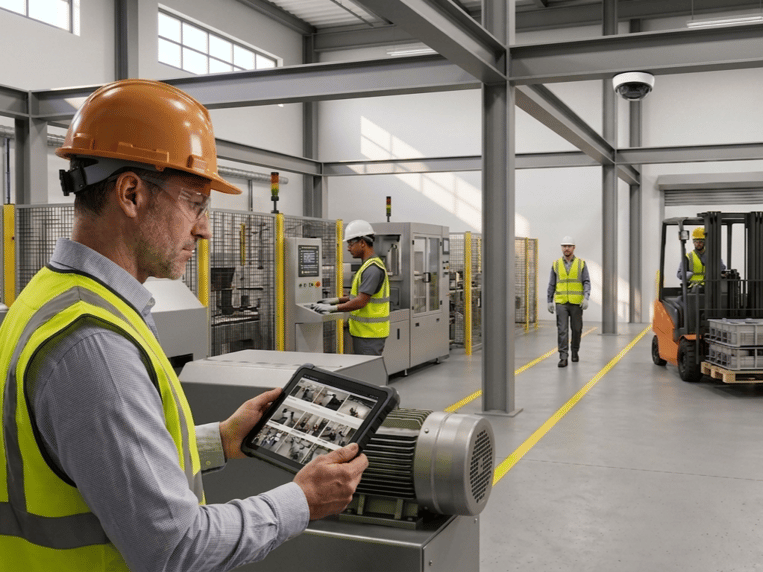
Verkada did not build a generic camera and bolt on manufacturing as an afterthought. These eight specialties reflect the specific risks and inefficiencies that plant floors deal with every day, and Verkada's video analytics were designed around them directly.
- Person, Vehicle & Forklift Detection
Verkada's AI distinguishes between people, vehicles, and forklifts before it ever triggers an alert, which means supervisors get notified about a forklift heading the wrong way down an aisle instead of every shadow that crosses the lens. That distinction is what keeps alert fatigue from burying the warnings that actually matter.
- PPE & Safety Compliance Monitoring
The platform can flag missing hard hats, vests, and other required protective equipment in restricted zones without anyone manually reviewing footage. Catching a PPE gap in real time gives a supervisor the chance to correct it before it becomes an injury or a citation.
- Equipment Malfunction & Anomaly Detection
Cameras paired with analytics can identify unusual patterns around machinery, from unexpected stoppages to abnormal movement, long before a full breakdown halts the line. Catching the anomaly early is often the difference between a quick fix and a costly production delay.
- 360-Degree & Multisensor Coverage
Multisensor cameras deliver up to 360-degree views from a single mounting point, which means wide production floors and open warehouse bays can be covered with fewer devices. Fewer cameras covering more ground also means fewer points of failure to manage.
- Heat-Sensing Thermal Imaging
Thermal cameras detect temperature anomalies in machinery and electrical systems that are invisible to a standard lens, often well before smoke or visible damage appears. That early detection window is what prevents a hot spot from becoming a fire or a forced shutdown.
- AI-Powered Search Across Archived Footage
Instead of manually scrubbing through hours of recorded video, Verkada's search lets a security team find a specific person, vehicle, or event in seconds. That speed matters most during an active investigation, when every minute spent searching is a minute not spent responding.
- Facial Recognition With Configurable Privacy Controls
Facial recognition can be enabled selectively at the organization level, giving plants the identification capability they need while keeping privacy settings under their own control. That configurability matters in facilities balancing security needs against employee and visitor privacy expectations.
- Hybrid Cloud Storage With On-Camera Processing
Footage processes and stores directly on the camera while still syncing to the cloud, which means recording continues uninterrupted even if a plant's internet connection drops. Once connectivity returns, everything syncs automatically with no manual intervention required.
Ready to See Your Plant Floor in a Whole New Way? Let's Talk Deployment
A Verkada system is only as strong as the installation behind it, and that is where Kinettix shines. Our certified project managers and field technicians handle the site survey, the installation planning, the cabling, the mounting, and the configuration so your plant gets the coverage it was designed for from day one. Whether you are modernizing a single plant or coordinating a rollout across a multi-site portfolio, our team builds the plan around your operation, not the other way around.
Reach out now to talk through your facility, your timeline, and the specific risks you are trying to close, and we will scope a deployment that fits your floor instead of a generic install plan.
What Makes Verkada's AI Video Analytics Different From Basic Motion-Triggered Cameras?
A motion sensor tells a security team that something moved. Verkada's AI tells them what moved, whether it actually matters, and what to do about it, which is the distinction that separates a camera recording footage from a system actively protecting a plant.
|
Capability |
Basic Motion-Triggered Cameras |
Verkada AI Video Analytics |
|
Detection Method |
Triggers on any pixel change (light shifts, shadows, weather, insects) |
Distinguishes people, vehicles, and forklifts before triggering an alert |
|
High false-alarm volume that desensitizes staff to notifications |
Filters out non-threats so alerts reflect genuine activity worth reviewing |
|
|
PPE & Safety Monitoring |
❌ Not supported |
✓ Flags missing hard hats, vests, or other required protective equipment |
|
Equipment Malfunction Detection |
❌ Not supported |
✓ Thermal and anomaly detection surfaces overheating or failing machinery |
|
Forklift & Foot Traffic Awareness |
❌ Not supported |
✓ Detects wrong-way travel and unsafe proximity between forklifts and workers |
|
Searchability of Footage |
Manual scrubbing through hours of continuous recording |
AI-powered search by person, vehicle, or event in seconds |
|
Facial Recognition |
❌ Not available |
✓ Available with configurable, organization-level privacy controls |
|
Response to Network Outages |
Recording stops or requires separate failover hardware |
Continues recording locally on the camera, syncs once connectivity returns |
|
Maintenance Overhead |
Manual firmware updates, on-site troubleshooting |
Automatic cloud-delivered updates across every camera, every site |
|
Operational Insight Beyond Security |
None; footage only exists for incident review |
Surfaces process bottlenecks, downtime patterns, and inefficiencies in real time |
|
Scalability Across Facilities |
Each site managed independently with separate hardware and logins |
Centralized in one Command dashboard across unlimited plants |
Which 3 Certifications Make the Difference Between a Security Installation & a Security Liability?
Anyone can mount a camera to a wall. Far fewer technicians can prove they were trained to do it correctly, and these four credentials are what separate a properly executed Verkada deployment from one that creates new problems on top of the ones it was meant to solve.
|
Certification |
What It Proves |
|
The technician has been trained on proper device installation, configuration, and platform-specific best practices |
|
|
The cabling behind every camera and access point meets recognized industry standards for safe, reliable, long-term performance |
|
|
The technician understands the networking and cybersecurity fundamentals that keep a cloud-managed system stable and protected |
Compliance, Coverage & Cameras: The 7 Questions IT & Ops Leaders Ask Most
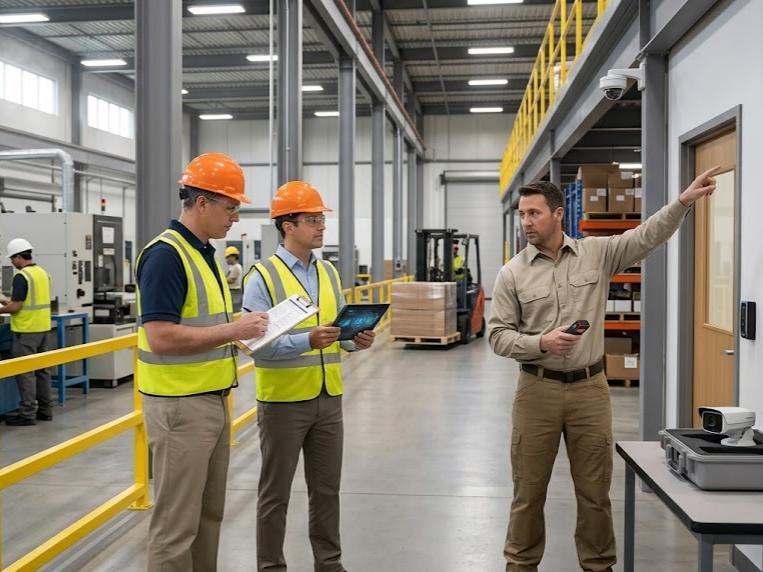
Plant managers and IT leaders evaluating a Verkada deployment tend to land on the same practical questions once the basics are settled. The answers below cover what matters most before committing to an installation partner.
- Can Verkada Integrate With Our Existing Badge/Access System?
Verkada's native access control integrates directly within Command, and the platform also supports select third-party access systems through its open API. Your installation team evaluates the right integration path during the site survey before any hardware is ordered.
- How Many Cameras Does an Average Manufacturing Floor Need?
Camera count depends on square footage, ceiling height, machinery density, and the number of zones requiring independent coverage rather than a generic formula. A professional site assessment is the only reliable way to determine accurate coverage for a specific facility.
- Can Footage Be Pulled Quickly for an Insurance or Liability Claim?
AI-powered search lets a security team locate a specific person, vehicle, or event in seconds instead of scrubbing through hours of footage manually. That speed matters directly when a claim or investigation depends on producing evidence quickly.
- Will Verkada Cameras Hold Up Near Heat, Dust & Vibration?
Verkada hardware is built with durability in mind for demanding industrial environments, and manufacturers running cameras near extreme heat sources have reported reliable performance under sustained stress. A site survey confirms the right camera model for each specific zone of the plant.
- How Long Does a Typical Plant Installation Take Kinettix to Complete?
Timelines vary based on camera count, network readiness, and whether access control or sensors are deployed alongside cameras. Most single-site commercial installations are completed within a day, while larger or multi-system facilities require additional scoped time.
- What Happens to Existing Security Infrastructure During the Switch to Verkada?
A professional installation partner runs the new system in parallel with existing infrastructure wherever possible, validating every device before the old system is decommissioned. This phased approach protects continuous coverage so the plant is never left unmonitored during the transition.
- Who Handles Maintenance and Support After the System Goes Live?
Verkada manages firmware and software updates automatically from the cloud, while physical hardware issues and on-site troubleshooting are handled by the field services partner. Confirming this division of responsibility before installation prevents confusion about who to call when something needs attention.
From No Sight to Insight: Let Kinettix Deploy Your Verkada System Right
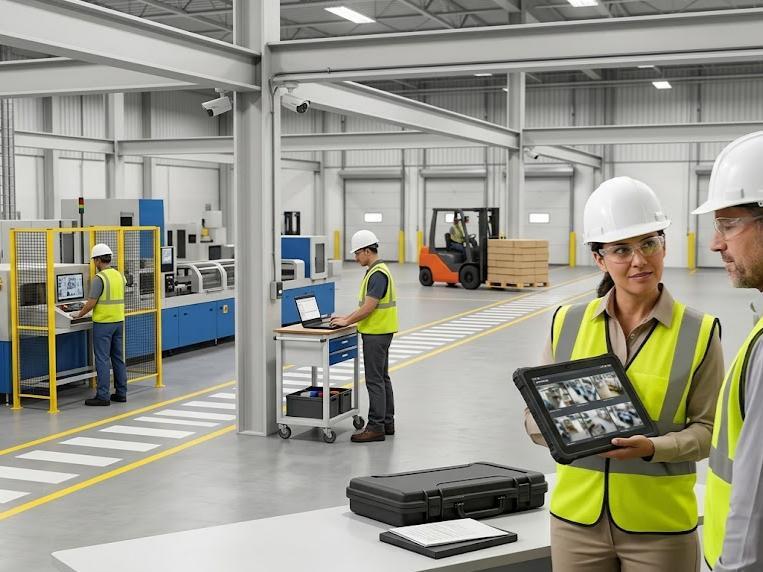
A manufacturing plant deserves a surveillance system that actually works the way it was designed to, not one that creates new blind spots the moment it is installed. Kinettix combines certified Verkada technicians, standardized deployment protocols, and documented closeout on every site to give your facility the coverage, the analytics, and the reliability your operation actually requires.
Your floor, your machinery, and your team are worth protecting with a system installed correctly the first time, and that is exactly what Kinettix delivers on every site we touch.
Contact us today to start scoping your plant's Verkada deployment, whether that means a single facility or a coordinated rollout across your entire portfolio.