Verkada security installation looks simple on paper. The hardware ships to your door, the cloud platform is intuitive, and the setup guide makes it look like a Saturday afternoon project. The reality of deploying Verkada cameras across a distributed enterprise environment is a different story entirely. The problems that can arise from this complex process include:
- Blind spots created by camera placement decisions that ignore coverage angles
- Network configurations that skip VLAN segmentation create security vulnerabilities.
- PoE switch capacity that wasn't stress-tested before install day creates cameras that go dark at night
Multiply those risks across dozens or hundreds of locations, and what looks like a straightforward rollout becomes an operational liability that your security team is still untangling months after go-live.
Kinettix deploys vetted field technicians across all 50 U.S. states and 90+ countries to execute camera and access control installations with the coordination infrastructure, standardized protocols, and project management depth that enterprise physical security deployments demand. Every site we touch is assessed, installed, tested, and documented to the same standard, so your Verkada system performs the way it was designed to, from location one to location one hundred.
What Is Verkada? The Cloud-Based Security Platform Reshaping Physical Security
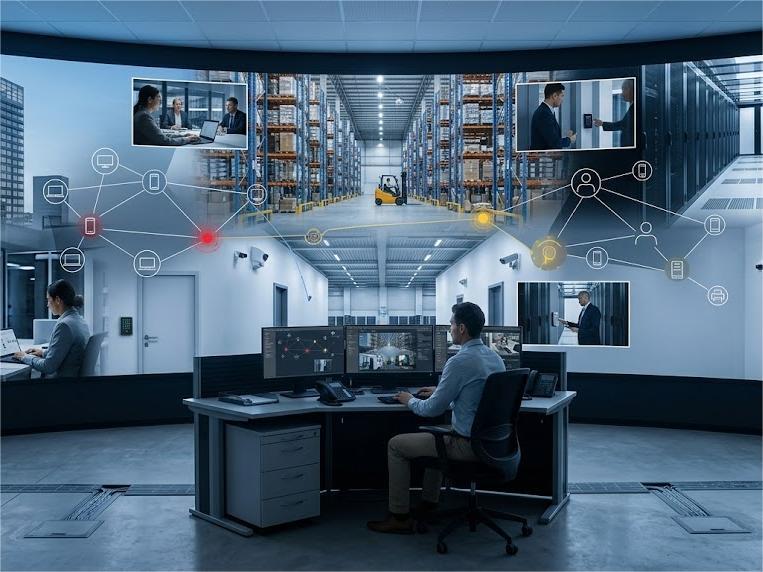
Verkada is a cloud-based management platform that unifies security solutions such as video security, access control, alarms, intercoms, environmental sensors, and workplace tools under a single management interface called Verkada Command.
Unlike traditional security systems that store footage on on-site DVRs or NVRs and require separate software for each product category, Verkada offers a hybrid cloud architecture that processes video directly on the camera while delivering remote access, AI-powered analytics, and automatic software updates through the cloud.
Every Verkada device connects to Command the moment it's powered on, with no manual configuration required to bring it online. Authorized users can:
- View live feeds
- Search archived footage
- Manage door access
- Respond quickly to alarm events
- Share video clips with law enforcement
… all from a web browser or mobile app, from anywhere in the world.
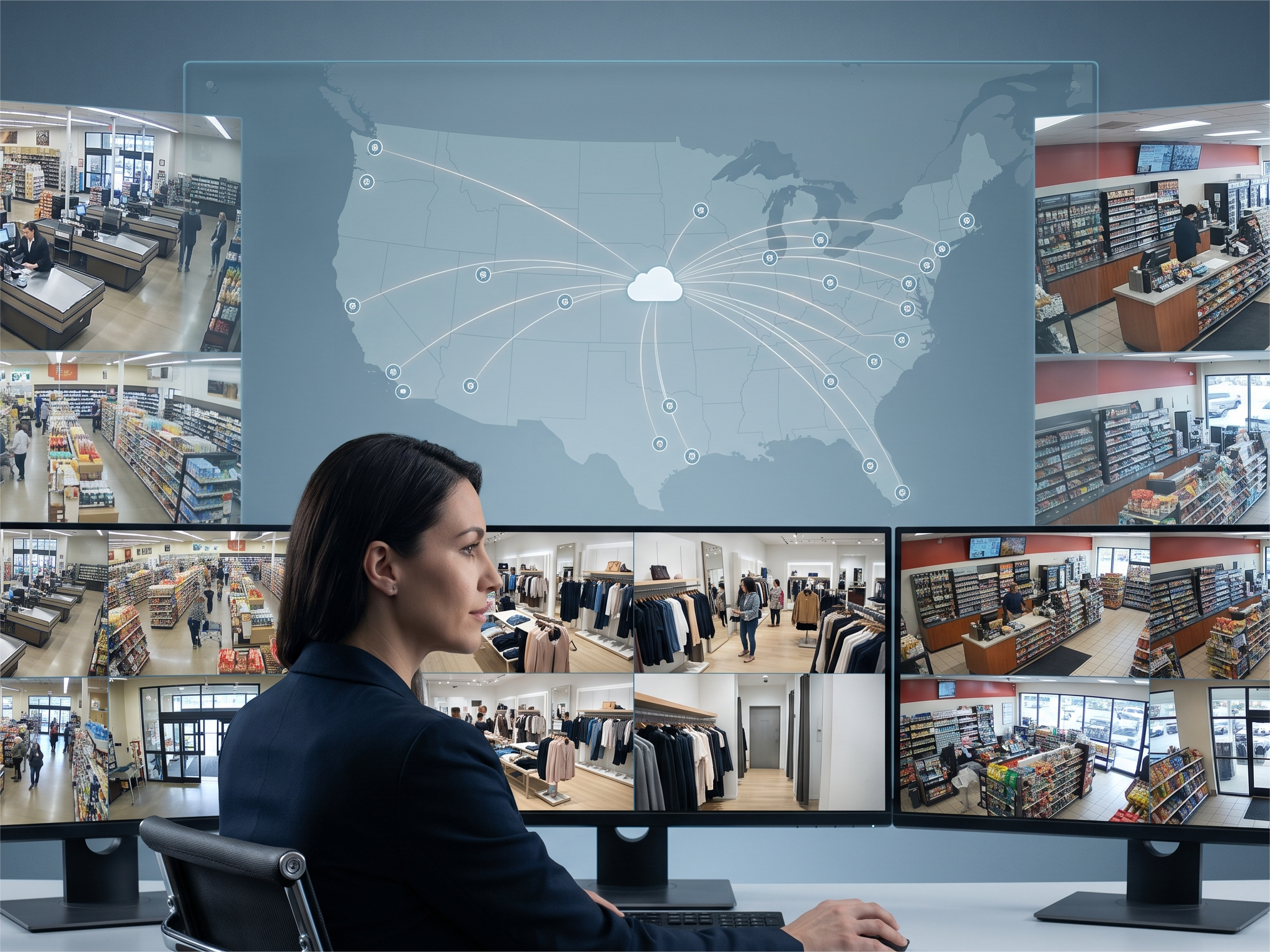
The platform is designed for organizations managing security across multiple locations. A single Command organization can support thousands of cameras and devices across unlimited sites, with role-based permissions that control exactly what each user can see and do. That combination of enterprise-grade capability and genuine ease of use is what separates Verkada from every legacy security system it replaces.
7 Enterprise Environments Where Professional Tech Installation Is Non-Negotiable
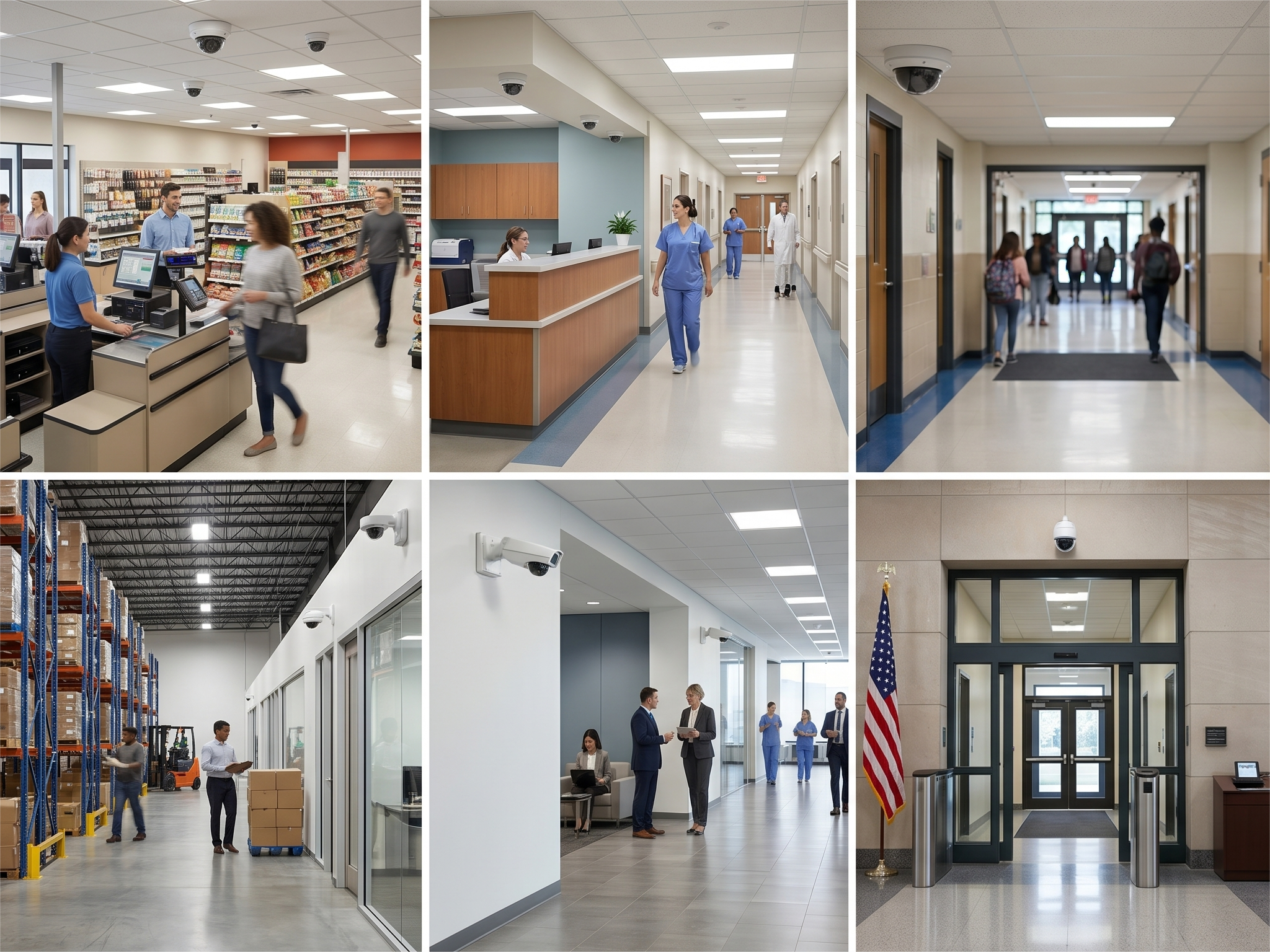
Verkada's cloud-based architecture is one of the most scalable security platforms available, but the technology only performs to its potential when the installation behind it is executed correctly. These seven enterprise environments receive the highest yield from a tech installation and have the least tolerance for the coverage gaps and configuration errors that underqualified installers routinely leave behind.
-
Multi-Site Retail Chains
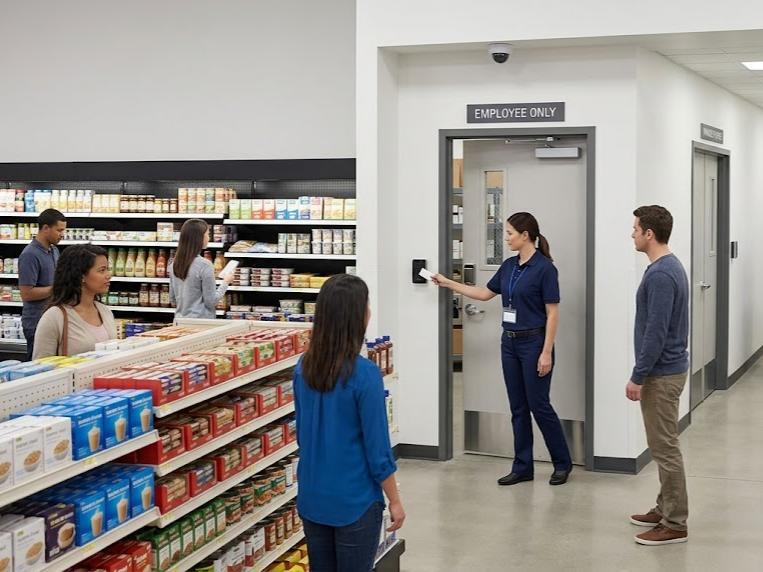
Retail environments demand consistent camera coverage across every location in the network, from loss prevention zones to POS terminals to stockroom access points. A tech installation that isn't standardized across sites creates inconsistent security posture that exposes high-shrink locations and complicates investigations that span multiple stores.
- Healthcare Facilities & Medical Campuses
Hospitals and medical facilities operate under strict regulatory requirements that govern camera placement in clinical areas, patient rooms, and controlled access zones. Incorrect installation in these environments creates HIPAA exposure and operational security gaps that standard security contractors aren't equipped to navigate.
- K–12 Schools & University Campuses
Educational campuses require perimeter coverage, controlled entry points, and district-wide visibility that only a coordinated, multi-building deployment can deliver. Tech installations in these environments must account for campus-specific access restrictions, after-hours scheduling requirements, and the integration of access control with camera events across every building.
- Warehouses & Distribution Centers
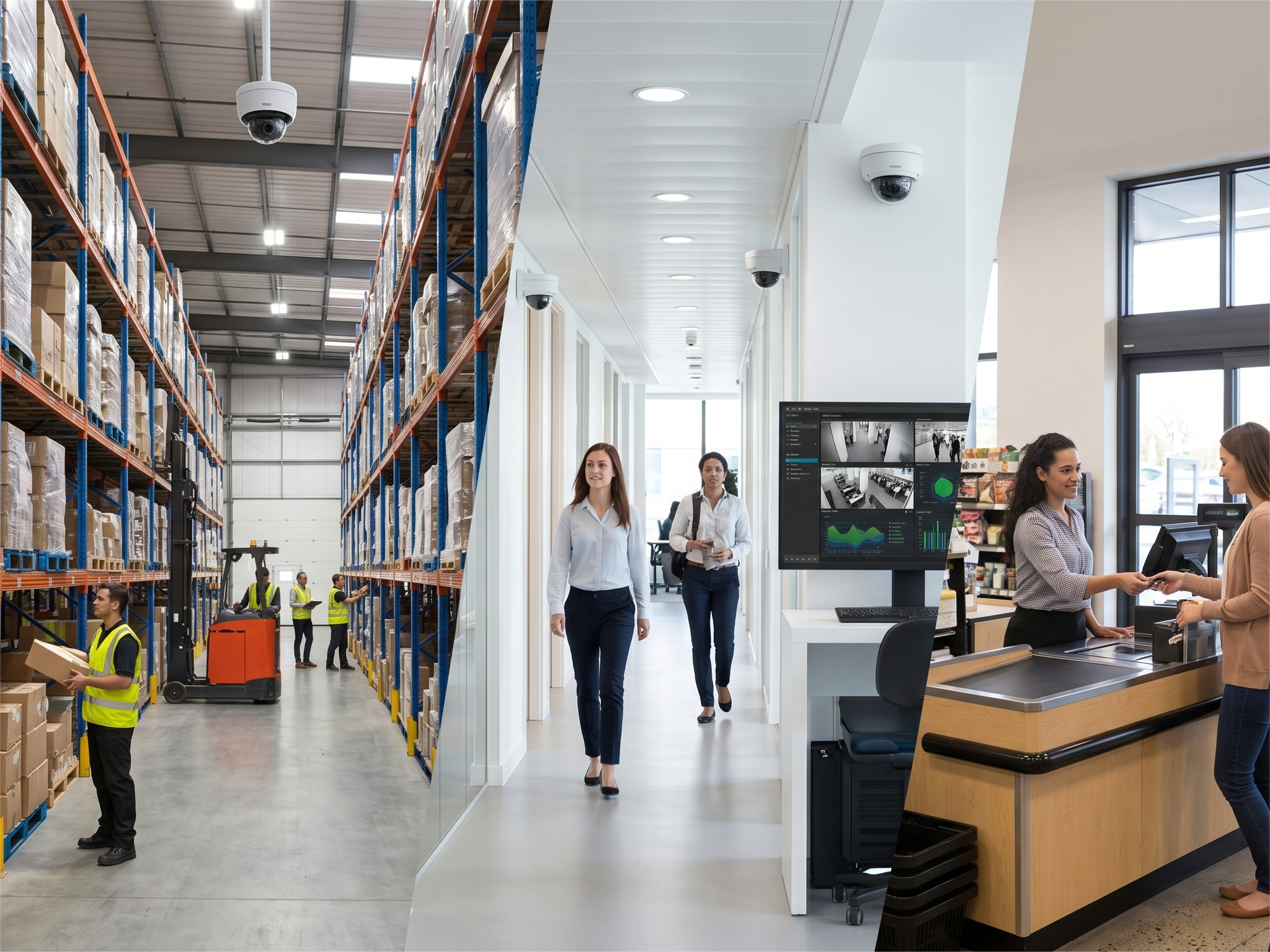
High ceilings, wide-open floor plans, and loading dock environments require deliberate camera placement decisions that most general installers approach without the right mounting hardware or coverage angle analysis. A misconfigured warehouse deployment leaves entire sections of the facility unmonitored while the Verkada Command dashboard shows every camera as online.
- Corporate Office Campuses
Multi-building corporate campuses require a unified Verkada Command organization structure that gives security teams cross-site visibility without creating permission gaps between buildings or floors. Professional installation ensures that access control events, camera feeds, and alarm responses are mapped and configured correctly from day one rather than patched together after go-live.
- Government & Municipal Buildings
Government facilities carry compliance requirements, access restrictions, and documentation standards that add significant complexity to any physical security deployment. Tech installations in these environments require technicians who understand controlled area protocols and can deliver the closeout documentation that government procurement and IT teams require.
- Data Centers & Server Rooms
Physical security in data center environments protects assets that represent the operational backbone of an entire organization, and camera placement decisions in these facilities carry consequences that extend well beyond the security team. Professional tech installation in data centers accounts for rack layout, controlled access zones, and the integration of camera events with access control systems that govern who enters the most sensitive areas of the facility.
Verkada vs. Traditional Security Cameras: Why the Gap Is Bigger Than You Think
Traditional security camera systems were built around on-site infrastructure, local servers, DVR and NVR hardware, and software that required physical access to manage. Verkada's cloud-based security architecture eliminates that infrastructure entirely, replacing it with a platform that delivers more capability, greater visibility, and lower long-term maintenance overhead from day one.
The table below maps the most consequential differences between the two approaches across every category that matters to enterprise IT and security teams.
|
Category |
Traditional Security Cameras |
Verkada Security Cameras |
|
Management Platform |
Fragmented systems requiring separate software per location |
Unified Verkada Command dashboard managing all sites from a single browser |
|
Video Storage |
On-site DVR/NVR servers requiring physical maintenance and replacement |
Hybrid cloud storage with up to 365 days of onboard retention and unlimited cloud archiving |
|
Remote Access |
Limited or VPN-dependent remote viewing with unreliable performance |
Real-time live and recorded access from any device, anywhere, with no VPN required |
|
Firmware & Software Updates |
Manual updates requiring on-site technician visits or IT intervention |
Automatic cloud-delivered updates applied across every camera simultaneously |
|
AI & Analytics |
Basic motion detection with no intelligent search or filtering |
Edge-based AI with person, vehicle, facial recognition, and license plate search |
|
Scalability |
Adding locations requires new servers, licenses, and infrastructure rebuilds |
New cameras added to existing Command org in minutes with no additional servers |
|
Cybersecurity |
Legacy firmware vulnerabilities with inconsistent patch cycles |
End-to-end encryption, zero-trust architecture, and automatic security updates |
|
Access Control Integration |
Requires third-party middleware and custom integration work |
Native integration with Verkada access control, alarms, intercoms, and sensors in one platform |
|
Multi-Site Visibility |
Siloed systems requiring separate logins and dashboards per location |
Single pane of glass across unlimited locations with role-based user permissions |
|
Incident Response |
Manual footage review through hours of recorded video |
AI-powered search surfaces relevant footage in seconds by person, vehicle, or event |
|
Hardware Footprint |
Rack-mounted servers, NVRs, and on-site storage at every location |
No on-site servers required; camera hardware ships and installs with minimal infrastructure |
Get Verkada Installed Right the First Time: Connect With Our Team Today
Verkada deployments that are planned correctly and executed by vetted, experienced technicians perform exactly the way the platform promises. Kinettix brings the infrastructure, coordination, and protocols that enterprise security rollouts require, from single-site deployments to multi-location programs spanning hundreds of facilities nationwide.
Every Kinettix engagement is backed by dedicated project management, consistent installation standards, and post-installation documentation your team can actually use. Reach out now to connect with a Kinettix coordinator and get your Verkada deployment scoped, staffed, and scheduled.
9 Costly Consequences of Running Outdated Security Systems Across Your Locations
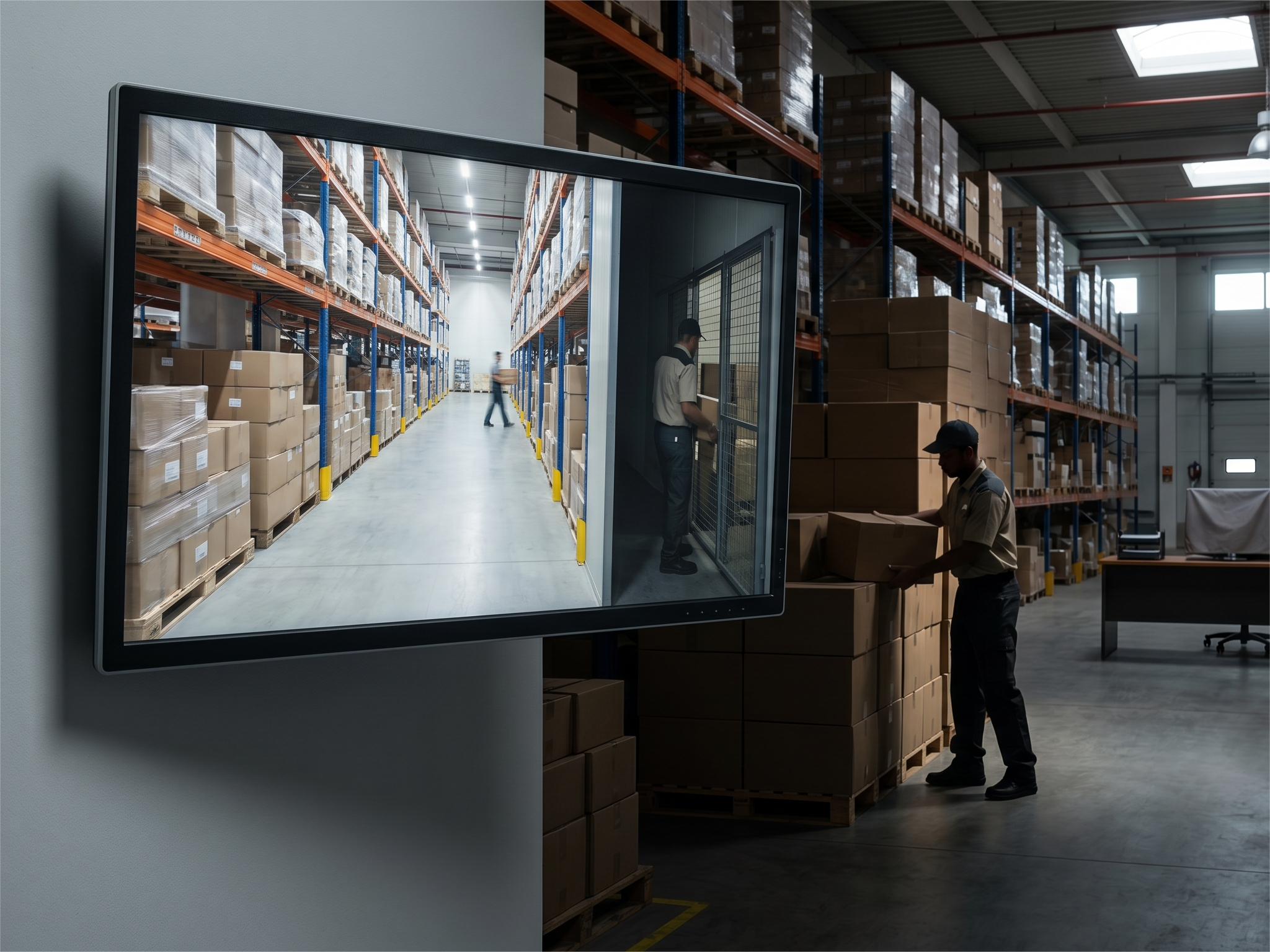
Legacy security infrastructure degrades quietly, and the costs compound long before a single incident forces the issue. These nine consequences represent the operational, financial, and compliance risks that organizations carry every day they continue running outdated camera systems across their locations:
- Blind Spots That Leave Critical Areas Completely Unmonitored
Older camera systems with fixed lenses, limited fields of view, and degraded image sensors create coverage gaps that bad actors learn to exploit. When an incident occurs in an unmonitored area, the absence of usable footage doesn't just frustrate investigators, it eliminates the organization's ability to act on what happened.
- Footage Too Degraded to Use in Investigations or Legal Proceedings
Low-resolution video from aging camera hardware looks adequate on a monitor until it's the only evidence available in a theft, liability claim, or workplace incident investigation. Footage that can't identify a face, confirm a license plate, or establish a clear timeline of events has no practical value when it matters most.
- No Remote Access When an Incident Happens Off-Hours
Legacy systems that require on-site access to view recorded footage or respond to alerts leave security teams blind the moment an incident happens outside business hours. Every minute between an event and a response is a minute the situation can escalate without anyone in a position to act.
- Expensive On-Site Server & DVR Maintenance Costs
On-premises recording infrastructure requires regular hardware maintenance, drive replacements, and eventual full system replacements that carry significant cost and operational disruption. Those recurring expenses accumulate over time into a total cost of ownership that far exceeds what organizations projected when the original system was purchased.
- Inability to Scale Coverage as Your Footprint Grows
Adding camera coverage to a legacy system means procuring new on-site hardware, reconfiguring local software, and often replacing infrastructure that can't support additional devices. Organizations that are opening new locations or expanding existing facilities can't afford a security infrastructure that requires a full project every time the footprint changes.
- Compliance Failures That Create Regulatory Exposure
Industries including healthcare, finance, and government operate under specific regulations that govern how surveillance systems are managed, how footage is retained, and how access to security data is controlled. Outdated systems that can't meet current retention requirements or access control standards create compliance gaps that auditors identify and regulators penalize.
-
Fragmented Systems That Can't Communicate Across Locations
Security teams managing multiple locations through separate, siloed systems spend more time logging into dashboards than they do responding to events. The inability to correlate camera footage, access control events, and alarm activity across locations in a single view is one of the most operationally costly limitations of legacy physical security infrastructure.
- Longer Incident Response Times Due to Manual Playback
Finding relevant footage in a legacy system requires manually scrubbing through hours of recorded video without intelligent search tools to filter by person, vehicle, or event type. Response times that should be measured in seconds stretch into hours, and the window for taking meaningful action closes before the footage is even located.
- Cybersecurity Vulnerabilities from Unpatched Legacy Firmware
Security cameras that no longer receive firmware updates from their manufacturers are running software with known vulnerabilities that threat actors actively exploit to gain network access. An outdated camera system connected to your corporate network isn't just a physical security gap, it's an open door into your IT infrastructure.
Case Study: How Kinettix Executed This Airtight Tech Installation
A multi-site industrial operator needed to modernize and standardize its physical security footprint without disrupting active facility operations. The core challenge wasn't simply deploying new Verkada security cameras, it was creating a repeatable, scalable implementation model that delivered consistent results across sites with varying layouts, network readiness levels, and legacy infrastructure.
Leadership required uniform coverage standards, predictable installation quality, and documentation that would allow the program to expand site by site without reinventing the process at each location. Kinettix was engaged to deliver field services for the Verkada camera deployment and supporting infrastructure, executing work through structured, repeatable steps across the full distributed portfolio.
Kinettix's Solution
Kinettix addressed the customer's standardization requirements by applying a structured field services model built for repeatability across a distributed portfolio of facilities with inconsistent starting conditions.
- Standard Work Packages & Consistent Workflows
Kinettix treated the engagement as a program rather than a series of isolated site visits, building each location through the same five-phase sequence: pre-visit planning, onsite readiness validation, installation, functional testing, and closeout documentation. This consistent sequencing ensured every facility received the same baseline level of diligence regardless of local constraints.
- Central Coordination to Reduce Site Variability
Centralized scheduling, site contact engagement, and expectations-setting eliminated the operational friction that occurs when individual sites interpret requirements differently or when technicians arrive without confirmed access plans. That coordination layer kept the deployment on schedule and prevented the ad hoc decision-making that derails multi-site programs at scale.
- Exception-Driven Reporting
When site conditions introduced constraints, insufficient network readiness, inaccessible mounting surfaces, unexpected cabling limitations, Kinettix documented those exceptions clearly and routed follow-up actions through structured channels. Deviations were captured and managed, not silently absorbed into inconsistent installations.
Execution
Kinettix executed the Verkada deployment across five structured phases designed to produce the same outcome at every facility regardless of what technicians encountered on arrival.
- Pre-Visit Alignment for Consistent Starts
Kinettix established site access plans and confirmed logistics in advance so work could begin on time and proceed predictably from the moment technicians arrived. In multi-site environments, delays at the door compound across the deployment schedule, this step eliminated that risk before it could materialize.
- Onsite Readiness Checks
Upon arrival at each facility, technicians performed structured readiness verification covering network connectivity and port availability, PoE power capacity, viable mounting surfaces, and cable routing feasibility. Standardizing this assessment across every site reduced the probability of partial installations and ensured Verkada devices were deployed on stable infrastructure rather than assumptions.
- Standardized Installation Methods
Using Project Managers with Verkada Technical Certifications, Kinettix installed devices according to uniform best practices including secure mounting aligned with consistent placement principles, clean cable management, and clear labeling to support future troubleshooting and expansion. Every installation looked and performed the same way from facility to facility, a direct result of applying the same methods regardless of which technician was on the ground.
- Standard Verification & Testing
Kinettix performed functional validation at each site to confirm that every Verkada device was powered on, stably connected, and ready for operational use before closeout. The goal was to eliminate the preventable setup issues that require costly revisits weeks after the installation is officially complete.
- Uniform Closeout Documentation
Every site was closed out with consistent documentation capturing work completed, validation steps performed, exceptions identified, and notes enabling support teams to maintain and scale the deployment. Standard closeout packages made it straightforward for customer stakeholders to compare sites, confirm readiness, and plan future rollout phases with confidence.
End Results
By treating the Verkada deployment as a scalable program rather than a collection of one-off site visits, the customer gained four outcomes that directly supported their goal of expanding the security modernization program without reinventing the process each time.
- A Repeatable Deployment Blueprint
Each site followed a consistent lifecycle from readiness through closeout, giving the customer a documented framework they could apply to future locations without starting the planning process from scratch. The program now scales with confidence rather than complexity.
- More Predictable Quality Across Facilities
Standard installation methods and verification steps improved uniformity across the portfolio, reducing variability in camera placement decisions, workmanship quality, and post-installation troubleshooting requirements. Every facility met the same operational standard at closeout.
- Fewer Surprises Through Standardized Readiness Validation
Infrastructure gaps identified during structured readiness checks were managed as documented exceptions rather than hidden risks that surfaced mid-installation and forced rework. Early discovery protected the deployment schedule and eliminated the costly last-minute scrambles that plague less disciplined rollout programs.
- Stronger Documentation for Audits & Future Expansion
Consistent closeout records created a usable system of record that supports ongoing maintenance, internal audits, and future Verkada deployment phases. The customer can now validate what was installed, where, and how, across every site in the program, without relying on technician memory or incomplete field notes.
The 6 Tech Installation Questions IT Directors Ask Before Committing to a Deployment
IT directors evaluating a Verkada deployment bring a consistent set of practical questions that go beyond what Verkada's own documentation covers in depth. The answers below address the technical and operational details that determine whether a multi-site rollout is planned correctly from the start.
- How Much Network Bandwidth Does a Verkada Deployment Actually Require?
Verkada cameras are designed to be bandwidth-efficient, operating at approximately 5–20 Kbps per camera for live streaming under normal conditions, with higher usage during active viewing or footage retrieval. Your Kinettix project team conducts a network assessment during the pre-installation phase to confirm that existing infrastructure can support the deployment without impacting other business-critical applications sharing the same network.
- Can Verkada Cameras Integrate with Our Existing Access Control Infrastructure?
Verkada's native access control products integrate directly within Verkada Command, but the platform also supports integration with select third-party access control systems through its open API. Your installation team will assess your existing infrastructure during the site survey phase to determine the most effective integration path before any hardware is committed or installed.
- What Happens to Video Footage If the Internet Connection Goes Down?
Verkada cameras store footage locally on onboard solid-state storage, up to 365 days depending on the camera model, which means recording continues uninterrupted even when the internet connection to a site is unavailable. Once connectivity is restored, the system syncs with the Verkada cloud platform automatically, with no manual intervention required from your IT team.
- How Are User Permissions and Role-Based Access Managed Across Locations?
Verkada Command supports granular, role-based access controls that determine which users can view specific cameras, access recorded footage, manage devices, or administer the platform across individual sites or the entire organization. These permissions are configured during the installation and commissioning phase and can be updated centrally from the Command dashboard without requiring on-site technician involvement.
- What Does a Phased Multi-Site Rollout Actually Look Like in Practice?
A phased Verkada rollout begins with a site assessment and network readiness validation at the first wave of locations, followed by standardized installation, functional testing, and documented closeout before the next wave begins. Kinettix manages the coordination, scheduling, technician dispatch, and progress reporting across every active location simultaneously, so your IT team maintains visibility into the full program without managing individual site visits.
- How Long Does a Typical Tech Installation Take Per Site?
Installation timelines vary based on the number of cameras being deployed, the complexity of cable routing, network infrastructure conditions, and any site-specific access requirements that affect how quickly technicians can work. Most commercial tech installations are completed within a single day per site, though larger facilities or multi-system deployments that include access control, alarms, and intercoms alongside cameras will require additional time that Kinettix scopes accurately during the pre-installation assessment.
Stop Settling for Installers Who Figure It Out On-Site: Partner With Kinettix Today
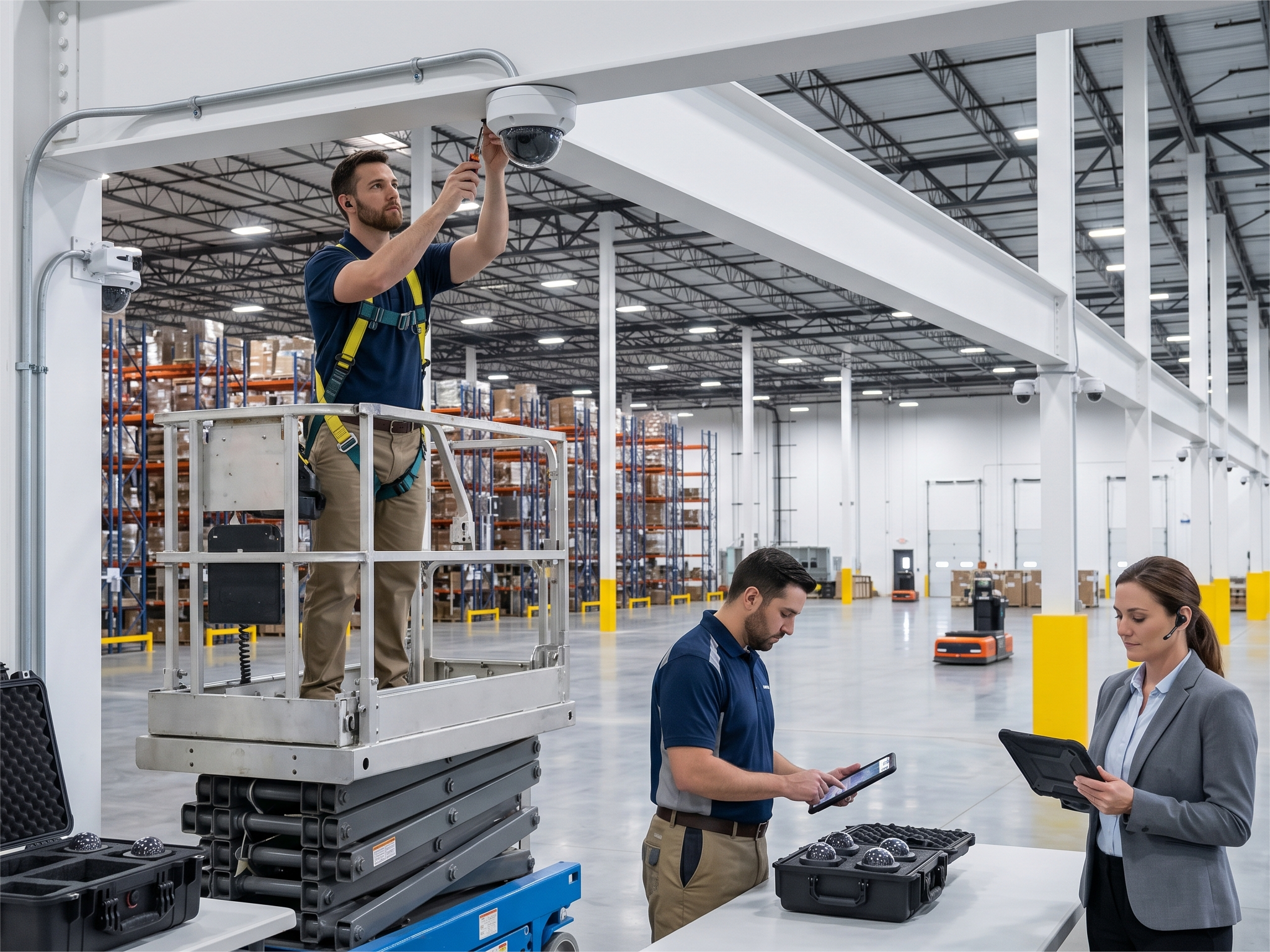
A Verkada security system is a significant investment in your organization's physical security infrastructure, and the quality of the installation behind it determines whether that investment performs or underdelivers. Kinettix brings the vetted technician network, centralized coordination platform, and standardized deployment protocols that enterprise tech installations demand to give your team full confidence in every site that goes live.
Our track record spans complex, multi-site security deployments across retail, healthcare, industrial, and corporate environments, giving us the experience to anticipate site-specific challenges before they affect your timeline and the resources to resolve them fast when they surface.
If your organization is ready to deploy Verkada security solutions across any or all of your locations, contact us today to speak with a Kinettix coordinator and get your deployment scoped, staffed, and scheduled with a team that knows exactly what enterprise Verkada installation requires.