In the largest study of CCTV as an investigative tool, camera footage was available in 45% of 251,195 crimes and judged useful in 29% overall (Ashby, 2017). Getting from available to useful is the job of setup, not mounting.
CCTV camera setup installation services cover mounting, powering, connecting and configuring cameras so the footage is usable. Mounting and powering get most of the attention, yet network readiness, image tuning, time sync, retention rules, and user permissions decide whether a recording can identify anyone.
Kinettix is a managed IT field services provider and a Gold Partner in the Verkada Partner Program. We install, configure, repair, and maintain security cameras across multi-site operations, including a rollout across hundreds of retail stores for a national video surveillance provider. This guide walks through the five setup checks we complete before closing out a site, the six zones every commercial site should cover, and who services the system after day one.
What's the Difference Between CCTV Camera Installation & Setup?

Installation is the physical work: each camera is mounted, wired, powered, and online on your network. Setup is the digital work that follows, and it ends only when footage meets a defined resolution target, recordings run on a set schedule, and access is tied to named accounts. A camera can pass the first test and fail the second, which is how a site ends up with a working system and unusable footage.
The split also matters for scheduling. Installation depends on building access, cable pathways, and switch capacity, while setup depends on decisions the security lead and IT team make before anyone arrives. Camera installers who handle both in one visit avoid a second trip, and a documented handoff gives your team a record of every setting.
Installation: 3 Primary Steps
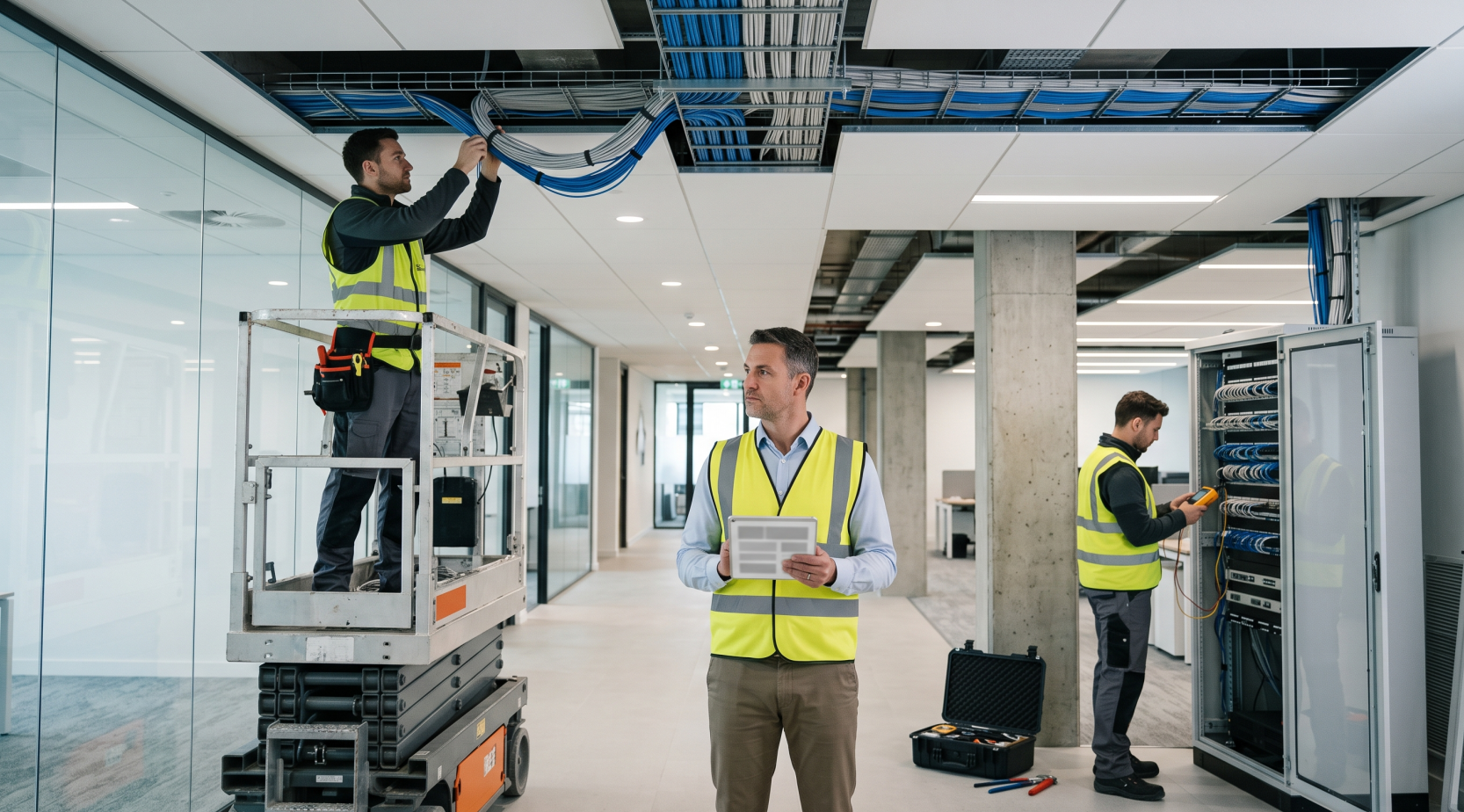
Installation is the physical and electrical work that gives each camera a fixed position, power, and a network link. These three steps cover it at most commercial sites.
- Mounting, placement and tamper protection
Technicians mount each camera at the height and angle chosen during the site survey, using vandal-rated housings where cameras are within reach. The Urban Institute's study cities added protective domes, metal banding over electrical lines, and locked conduit access after tampering, so hardening belongs in the first install.
- Cabling and PoE power
Network cable runs from each camera to a PoE switch, which delivers power and data over one cable. Technicians check cable pathways, protection, and the switch power budget before the first pull.
- Network connection
Each camera is addressed, tested, and joined to the network the system will use, whether a dedicated VLAN or an existing one. Cloud-managed cameras also need outbound access to the vendor console, so firewall rules are checked on site.
Setup: 5 Primary Steps
Setup is the software and policy work that turns powered cameras into usable footage. These five steps cover it, and each one is checked before a site closes out.
- Image tuning (focus, exposure, field of view)
Technicians tune each view against a measurable target. Under the IEC 62676-4 model, identification needs roughly 80 pixels per foot, recognition 40, observation 20, and detection 8, per an Axis white paper.
- Time sync
Cameras, recorders, and the cloud console sync to one time source so timestamps match across devices. Mismatched clocks weaken footage as evidence and make cross-camera searches unreliable.
- Recording and retention rules
Technicians set the recording mode (continuous, motion, or scheduled), resolution, and retention period for each camera group. Storage is sized to those settings, then tested by pulling back older footage.
- User roles and permissions
Accounts are created by role, so managers can view live video, operators can export clips, and only administrators change settings. Default passwords are removed and access is tied to named users.
- Alerts and integrations
Motion, line-crossing, and offline alerts go to the people who can act on them, with thresholds tuned to cut false alerts. Links to access control and alarms are connected and tested.
3 CCTV Architectures & What Each Means for a Multi-Site Rollout
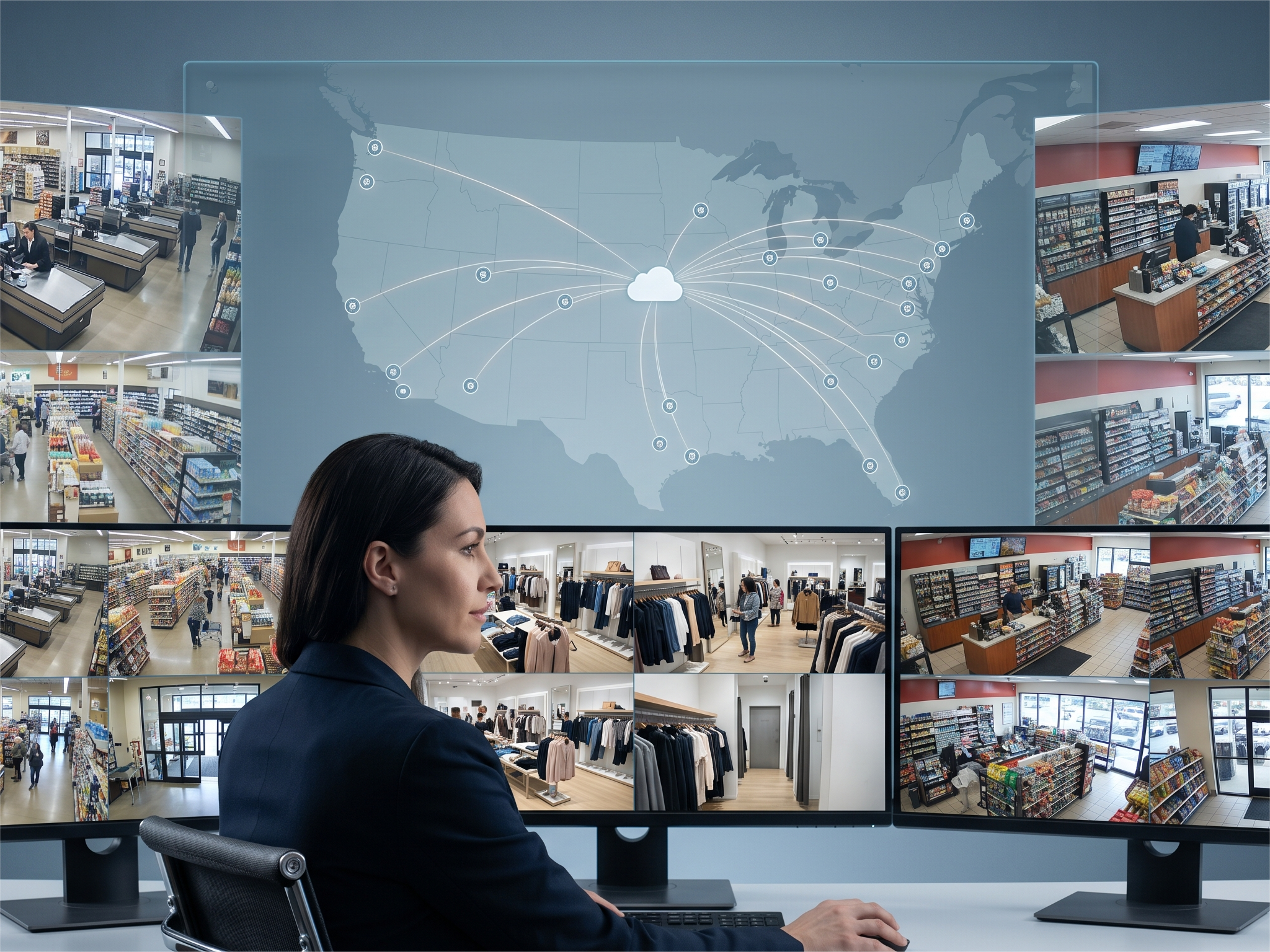
There are three forms of CCTV architecture: cloud-managed, on-premise, and hybrid. Cloud-managed systems send video to a hosted console, hybrid systems pair a local recorder with a cloud link, and on-premise systems record to an NVR or DVR on site. The form you choose shapes the whole installation, including the technology your team manages and the technicians the rollout needs.
In Verkada's 2026 survey of 2,741 IT and physical security leaders, only 8% ran physical security entirely on-premise, and 94% of organizations not yet fully cloud-managed were planning or already in a cloud transition. Verkada commissioned the survey and sells cloud-managed systems, so read it as a market signal rather than a neutral benchmark.
|
Architecture |
What the technician does on site |
What it changes in a multi-site rollout |
Where it fits |
|
Cloud-managed |
Mounts, powers and connects cameras, then activates them in the cloud console |
Central provisioning; depends on network readiness |
Many sites, central management |
|
Hybrid |
Sets up a local recorder and the cloud link |
Two systems to commission per site |
Local control plus remote access |
|
On-premise NVR/DVR |
Installs the recorder, sizes storage, sets local retention |
Configuration repeats at every site |
Limited bandwidth or strict on-prem rules |
Cloud-managed fits many-site programs best because provisioning happens centrally, but it depends on network readiness at every site. On-premise NVR/DVR remains the better fit where bandwidth is limited or local rules keep video on site, and hybrid suits teams that want both, at the cost of commissioning two systems per site.
Kinettix provides end-to-end deployment for Verkada's cloud-managed video security and access control. When the partnership was announced, Kinettix CEO Chad Mattix said, "Verkada's cloud-managed platform is built for scale."
Where Do Cameras Go? 6 Zones to Cover at Every Commercial Site
A camera plan is doomed to fail if you don't know where you need to look before your installation starts. A national British evaluation cited in the Campbell Collaboration's 2008 review found that effectiveness correlated significantly with the degree of camera coverage.
- Entrances and exits
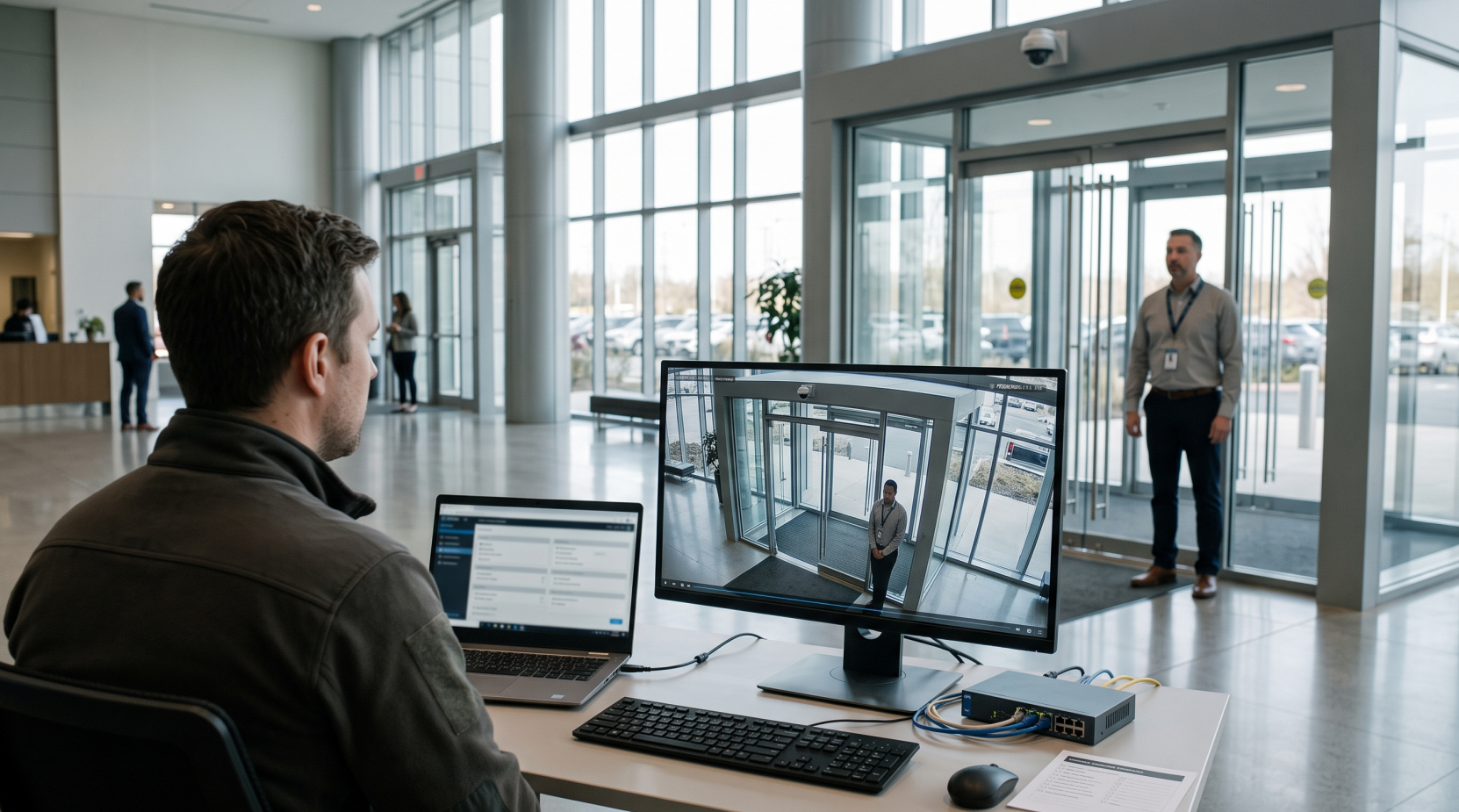
Cover every door at a height and angle that captures faces, with an identification-grade view at the main entrance. Doorways create backlight problems, so exposure settings matter as much as placement.
- Parking lots and perimeter
Six UK car park schemes in the Campbell review, all pairing cameras with lighting, fencing, or staff, saw a 51% decrease in crime. NRF/LPRC's 2025 survey found 61% of retailers had increased perimeter or exterior security in the past year.
- Loading docks and receiving
Docks combine vehicles, pallets, and shift changes, so cameras should capture trailer doors, license plates, and the receiving counter. Time-synced footage settles shortage claims faster.
- Cash handling and POS
Aim cameras at the register, cash drawer, and counting area so both transactions and hands are visible. Where the system supports it, pair footage with POS data for exception review.
- Stockrooms and high-value storage
Cover the door and the aisles that lead to high-value stock, at enough resolution to see what is removed. Add after-hours entry alerts so footage gets reviewed when it matters.
- IT and network rooms
A camera on the rack room door records who enters the space that houses the recorders and switches. Access to that room is access to the rest of the camera system.
Who Services the Cameras After Install? 4 Needs Across a System's Life

In the Urban Institute's evaluation of public camera systems in Baltimore, Chicago, and Washington, D.C., the cities added protective domes, metal banding over electrical lines, and locked conduit access after tampering. The Urban Institute found that installing, maintaining, and monitoring cameras cost more than officials expected in all three of its study cities, and ongoing repairs to vandalized cameras were among Baltimore's limitations.
A service plan with four parts keeps those costs predictable:
- Preventive visits
Technicians check camera alignment, clean lenses and housings, and pull back recordings to confirm storage is working. Scheduled visits catch drifting angles before an incident exposes them.
- Firmware and security updates
Forescout's 2026 report on millions of enterprise devices ranks network video recorders fourth among the riskiest IoT device types, behind VoIP systems, printers, and time clocks. Scheduled firmware updates and credential reviews close the gaps that unpatched devices leave open.
- Outage dispatch
When a camera or recorder goes offline, a technician is sent with the site history and parts list. In Kinettix's retail security program, rapid assignment supported same-day or next-day response for urgent projects.
- Relocation and replacement
Layout changes, new shelving, and damaged units all require cameras to be moved or swapped, and the Urban Institute noted new cameras were not always compatible with older cameras or monitoring equipment. Compatibility and warranty status are checked before the swap.
Need a Camera Rollout or an Urgent Repair? Contact the Multi-Site Experts at Kinettix
Kinettix is a Gold Partner in the Verkada Partner Program, and a project manager owns each site from survey to sign-off: scheduling the visit, escalating blockers, and reporting status until every camera is verified. Our technician network covers 120+ countries, and a single-building repair gets the same process as a 100-site rollout.
Contact us with your site or strategy details and we'll talk through how to get your rollout in motion or an outage rectified.
What Does Each Team Get From One CCTV Installation Partner?
Four teams depend on CCTV footage at a multi-site business: security, IT, site operations, and executive leadership. Each worries about something different, and one installation partner can answer all four with the same work package at every site.
|
Team |
What it worries about |
What one partner changes |
|
Security lead |
Footage that isn't usable |
The same coverage standards and verification at every site |
|
IT manager |
Network and credentials |
Readiness checks and documented handoff |
|
Site operations |
Store disruption |
Scheduled windows and after-hours work |
|
Executives and finance |
Visibility and overhead |
Live status; technician capacity that scales up and down |
The table maps each team's worry to a specific change: consistent verification for security, readiness checks and a documented handoff for IT, scheduled windows for operations, and live status with scalable capacity for finance. Programs with many sites see the gain most, because the standards and reporting repeat at every location.
Case Study: How 1 Security Provider Installed, Repaired & Maintained Cameras at Hundreds of Retail Sites

A national provider of managed video surveillance for multi-site retailers reached out to Kinettix as they were in need of a field partner for their multi-site rollout. Their objective was to scale their coverage across hundreds of stores and needed an expert hand to manage their installs, repairs, and maintenance. Kinettix handled the on-site work in phases.
- Project overview
The provider needed installs finished on schedule with minimal disruption to store operations, sometimes after hours. Quality had to match at every site for installs, upgrades, and repairs, and executives wanted live visibility into project status and site health. Workloads rose and fell with seasonal expansions and urgent rollouts, so technician capacity had to scale in both directions.
Work ran in phases: site surveys and pre-installation assessments, camera, recorder, and sensor installs, emergency repairs, preventive maintenance, and documented handoffs.
- The program stack
Three layers carried the program. Each one was built to repeat across hundreds of stores.
- Central coordination and dispatch. A dedicated project management office handled scheduling, escalation, and performance tracking. Kinettix matched technicians from a vetted nationwide pool to each site's skill, certification, and timing needs.
- Standardized execution. Technicians received SOWs, installation guides, and site-specific checklists, backed by supervisor reviews, customer sign-offs, and automated flags for incomplete tasks. A feedback loop refined the process as issues surfaced.
- Digital workflow and reporting. Every assignment ran through Kinettix's dispatch software with live updates, document uploads, before and after photos, and milestone tracking. Dashboards showed job progress, issue resolution timelines, and site coverage.
- What it added up to
Hundreds of stores were brought online within target windows, with fewer follow-up fixes because of the standardized protocols and QA checks. Responsive troubleshooting and repair kept surveillance systems running, and the provider scaled technician access up for peak periods and back down when demand normalized. Dashboards gave leadership the data to show results to its retail customers, and store staff reported minimal disruption to daily operations.
How Long Is Footage Kept, Who Watches It, & 3 More CCTV FAQs Answered
These are the questions we hear most often before a rollout starts:
- How long should camera footage be stored?
Set retention by the longest gap between an incident and someone noticing it, then check legal, insurance, and contract requirements. Retail sites often find shrink or claims weeks later, so retention sized to discovery time protects the evidence. Resolution, frame rate, compression, and camera count then determine the drives or cloud plan needed.
- Are there legal limits on where cameras can point or record audio?
Video in common areas is generally allowed, but cameras should avoid spaces with a reasonable expectation of privacy, such as restrooms, locker rooms, and changing areas. Audio is treated differently: federal and state wiretap laws restrict recording conversations without consent, and some states require consent from everyone involved. Posted signage and a written policy reduce risk, and counsel should review both.
- What does IT need to prepare before install day?
IT should confirm PoE switch ports and power budget, an IP address plan, a VLAN or network segment for cameras, and firewall rules for the cloud console. A time source, named admin accounts, and a site contact with building access complete the list. Readiness checks on site catch what the pre-visit questions missed.
- Who monitors the cameras once they're installed?
Monitoring is handled by your own staff, a third-party monitoring service, or no one in real time, with footage reviewed after an incident. A 40-year meta-analysis of 80 CCTV evaluations by Piza and colleagues found larger effects for actively monitored systems. Kinettix's role is the field work: installation, configuration, and service, with remote access and remote viewing set up for whoever your team chooses.
- How many sites can be installed at the same time?
Concurrency depends mostly on hardware delivery and site readiness, since technician capacity scales with the schedule. Programs usually run in waves, with each site following the same work package: pre-visit planning, readiness checks, installation, testing, and closeout. Kinettix's retail security program serviced hundreds of stores across several phases.
What Should Your Footage Be Able to Prove? Decide Before You Choose a Single Camera

Decide what the footage has to prove before you pick a single camera, because that answer sets everything downstream. Under the IEC 62676-4 model, proving who someone was takes roughly 80 pixels per foot, while proving that someone was there takes 8. That gap drives lens choice, camera count, storage, and cost at every door.
Then settle two more questions in writing: how long it will take someone to notice an incident, which sets retention, and who may view and export clips, which sets permissions. Those three answers become the scope for every site in a rollout.
Once you know which entrances need coverage, what resolution you need, and how long you need your footage stored, you're ready to find a partner that can get the job done right. Reach out to Kinettix and we'll bring the skill and experience needed to get your coverage up to your quality standards.